F11GIM2 User Manual
①
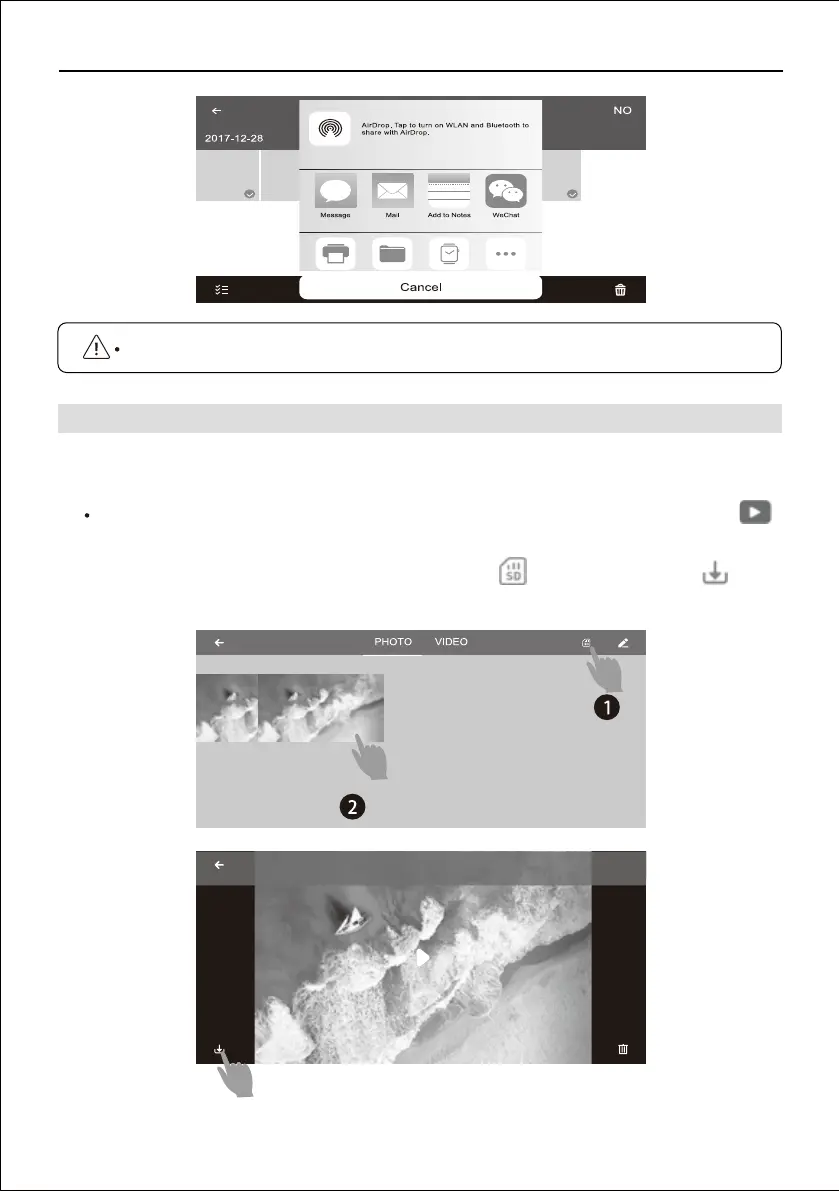
Download the picture and video from SD card, click ,choose files and click save to
the mobile album.
Copyright ©2021 Ruko All Rights Reserved.
28
After shooting and recording were completed, photo and video save to both the app album
and miroSD card, to download the files:
Connect the drone's WiFi on the phone, access to the app "control" interface, click ,
either choose to download the picture and video from SD card or app album :
It is only allow to share 9 pictures or 1 video the maximum at one time.
13.2 How to Download the Pictures and Videos
Pic 3



 To Next Page