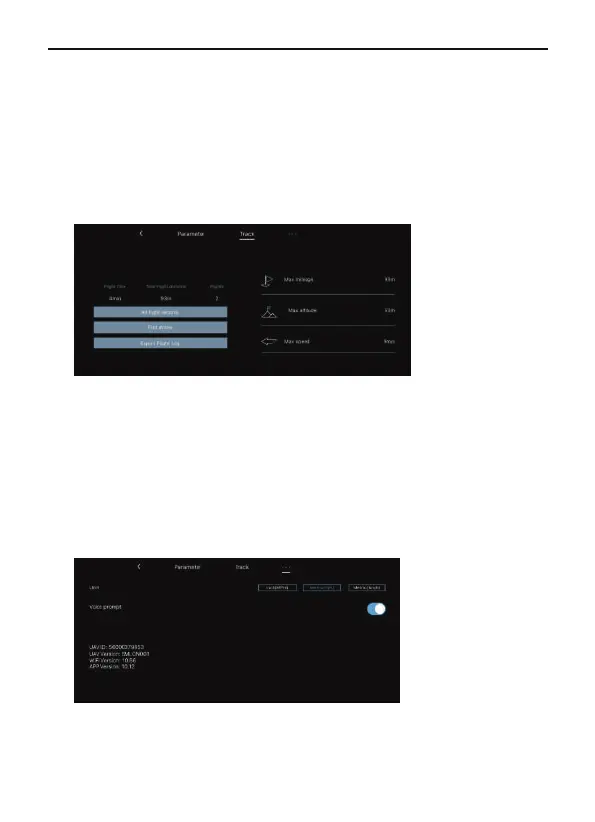
Track
Flight distance: Set the longest distance to fly.
Flight altitude: Set the maximum flight altitude.Storage settings:Set
the smooth mode or default mode.
Real-time video transmission: The pixel of the video when it's saved in
the Ruko Mini app.
Image transmission parameter display: Click the button to display or
close the pixels display of the video real-time image transmission.
Max mileage: The longest mileage for a single flight.
Max altitude: The highest single flight altitude.
Max speed: The fastest single flight speed.
All flight records: The date, location, distance, duration and maximum
altitude of each flight.
Find drone: It shows the last position of the aircraft when it lost the
image transmission signal. Open the map to find the position where
the aircraft is disconnected from the app.
Export flight log: You can export the flight log data.
37Copyright ©2022 Ruko All Rights Reserved.
F11MINI User Manual



 To Next Page