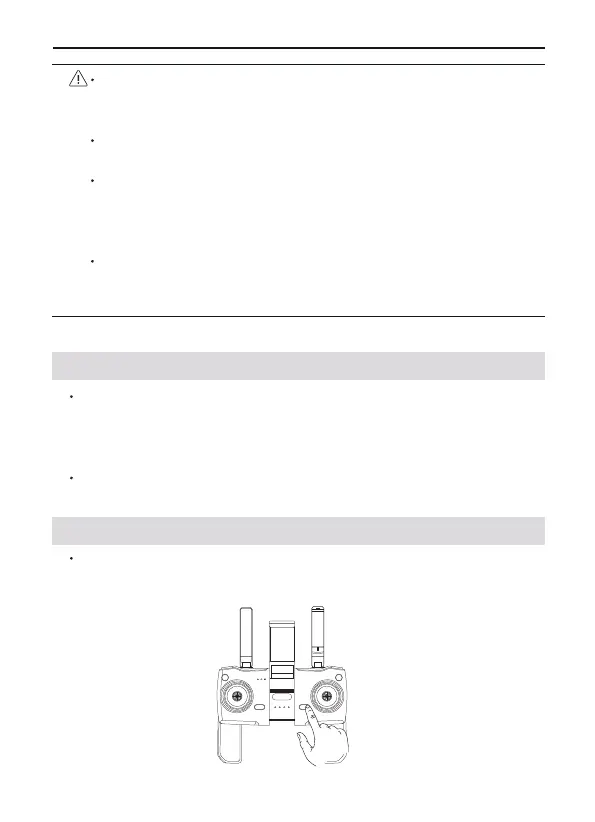
4.1 Transmitter Profile
4.2 Using the Transmitter
Press the power button once to turn on the transmitter.
Hold press to turn the transmitter on or off. If the battery level is too
low, charge before use.
4 Transmitter
Copyright ©2023 Ruko All Rights Reserved.29
F11 PRO User Manual
Check whether the capacity of the memory card is sufficient. If
the capacity of the memory card is insufficient, videos and
pictures cannot be stored.
If you cannot save pictures or videos, try formatting the memory
card.
Do not insert or remove the micro SD card when the aircraft is
turned on. Plugging or unplugging the micro SD card or remov-
ing the battery while the power is on during recording may cause
damage to the micro SD card and loss of stored data.
You must turn on the aircraft and connect to the aircraft WiFi to
copy or download the photos or videos stored in the aircraft
memory card to the phone.
F11 PRO transmitter uses the 2.4 GHz frequency band, and the trans-
mitter distance is up to 4000FT (unobstructed and interference-free
environment). The foldable handle can stably place the mobile
device, and the maximum adjustable width is 3.1 inches.
transmitter built-in 300mAh capacity battery, charging time is 40
minutes, the longest working time is about 10 hours.



 To Next Page