F11 PRO User Manual
Copyright ©2023 Ruko All Rights Reserved.
49
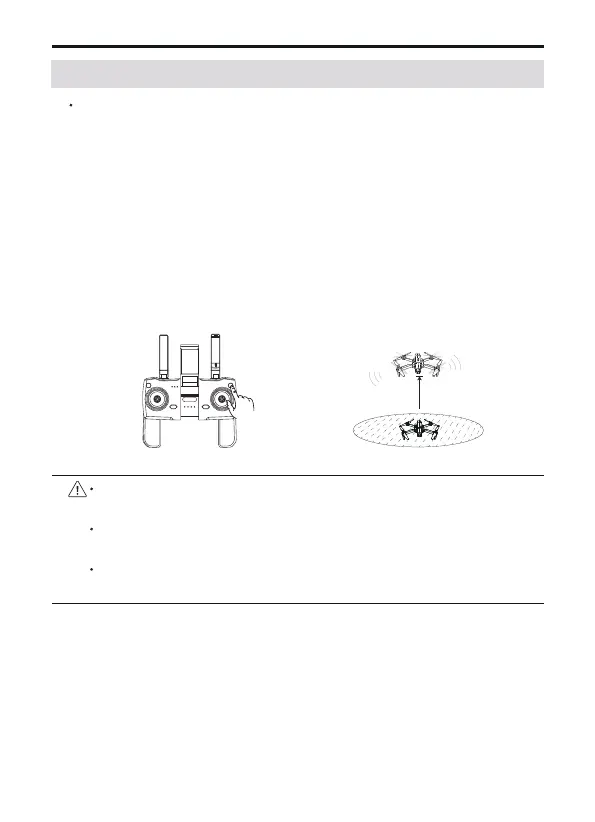
Automatic take-off
After the aircraft is calibrated, users can use the automatic take-off
function:
After the calibration is completed, "Fly" is displayed in the APP,
and you can now prepare to take off. Start the motor after confirm-
ing the safe take-off conditions.
Click the One-key Takeoff button on transmitter or enter the APP
and click OK to take off.
The aircraft will take off automatically and hover at a distance of
4 ft from the ground.
It is recommended to fly in an open space with a diameter of 10
meters without interference;
The flying height must be higher than ground obstacles to avoid
collision;
It is recommended that the flight altitude be greater than 15
meters to avoid other signals interference from the ground.
4ft
③
6.5 Automatic Take-off / Automatic Landing
①
②



 To Next Page