4.4 Linking the Transmitter
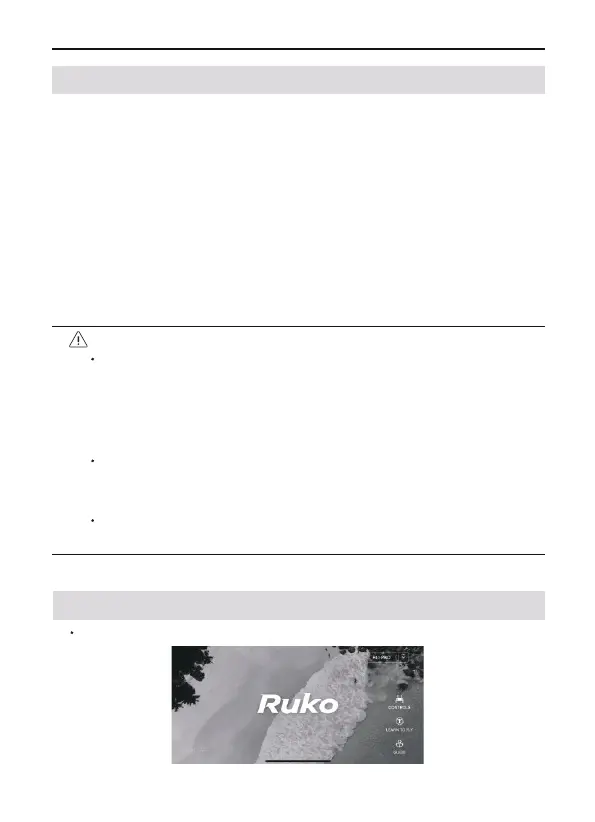
5.1 Home
After running Ruko Pro App, enter the homepage.
5 Ruko Pro App
If the connection is successful, the aircraft light will turn pink.
F11 PRO User Manual
Copyright ©2023 Ruko All Rights Reserved.
36
Before each aircraft flight, you need to link with the transmitter.
After the linking is successful, you can control the flight of the
aircraft. The steps for the pairing are as follows:
• Turn on aircraft
• Turn on transmitter
• Flick the left stick of transmitter up and down, and after the
aircraft emits a beep, it means the linking is successful.
• Connect your mobile phone to aircraft’s WiFi
"RUKO-PRO-XXXXXX", tap the APP to enter the control
interface; the mobile phone screen displays information such as
the transmitter’s battery signal and camera screen.
Before each flight, check the power of the transmitter. The
transmitter will "beep" when the battery is low. The trans-
mitter will automatically shut down after 10 minutes of
inactivity. Toggle the joystick or press any button to restore
the transmitter to its normal working state.
When using the transmitter handle to hold a mobile device,
be sure to press it firmly to prevent the mobile device from
slipping off.
Keep the battery at around 3.8-3.9V, and recharge it every 1
month or so to keep the battery active.



 To Next Page