F11 PRO User Manual
Copyright ©2023 Ruko All Rights Reserved.
51
6.7 Aerial Photography Tips & Tricks
After the aircraft calibration is completed, the status indicator is
always white before and blue, and the motor is started.
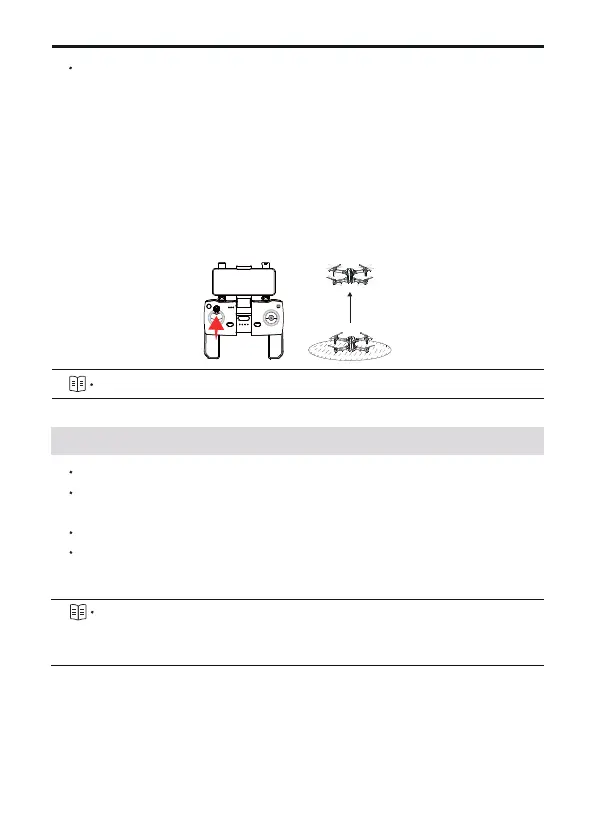
Slowly push the throttle stick upward to let the aircraft take off
smoothly.
Pull down the throttle stick to lower the aircraft.
After landing, pull the throttle stick to the lowest position and
hold it until the motor stops.
Turn off the power of aircraft and transmitter in turn after
shutdown.
⑤
⑥
⑦
⑧
⑨
For more detailed instructions, please refer to chapter 6.1 ~ 6.4
Perform pre-flight inspection.
It is recommended to take photos or videos in low-speed or medium-
speed gear.
Choose sunny and less windy weather for shooting.
Push the stick as little as possible during the flight to make the
aircraft fly smoothly.
Awareness of flight safety is very important for the safety of
you, the surrounding people and the environment. Please read
the "Safety and Disclaimer Guidelines" carefully.



 To Next Page