F11 PRO User Manual
Copyright ©2023 Ruko All Rights Reserved.41
19
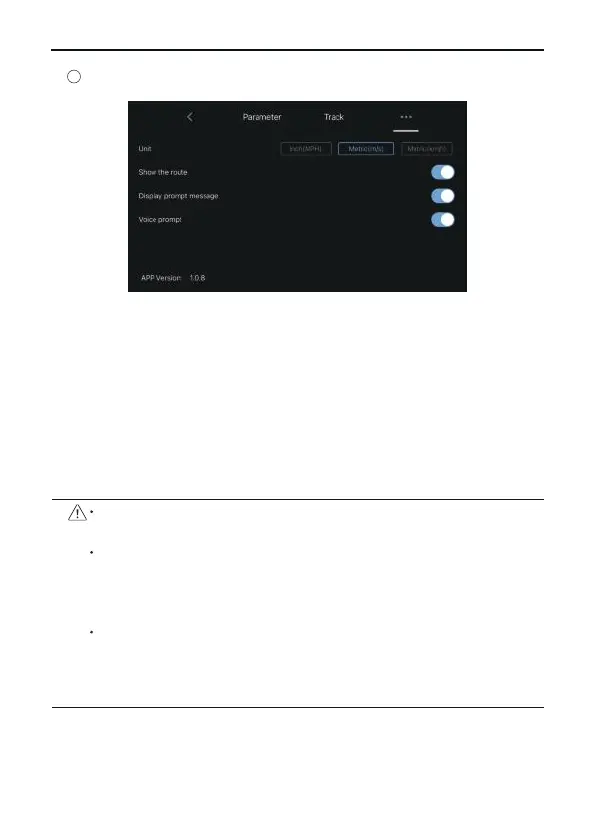
Unit: Switch between metric and imperial measurement units.
Show the route: turn on or off all flight records of map tracks in
the track menu.
Display prompt message: Turn on or off the aircraft status
prompt message in the APP.
Voice prompt: turn on or off the aircraft status voice prompt of
the APP.
Before using the Ruko Pro App, make sure that the phone
has sufficient power.
When you use the Ruko Pro App on your mobile phone,
please focus on controlling the aircraft. Do not answer
incoming calls, send and receive text messages or use other
mobile phone functions during the flight.
The map used in the map interface needs to be downloaded
from the Internet. Before using this function, do not connect
to the aircraft WiFi, and connect the mobile device to
the Internet to cache the map.
...



 To Next Page