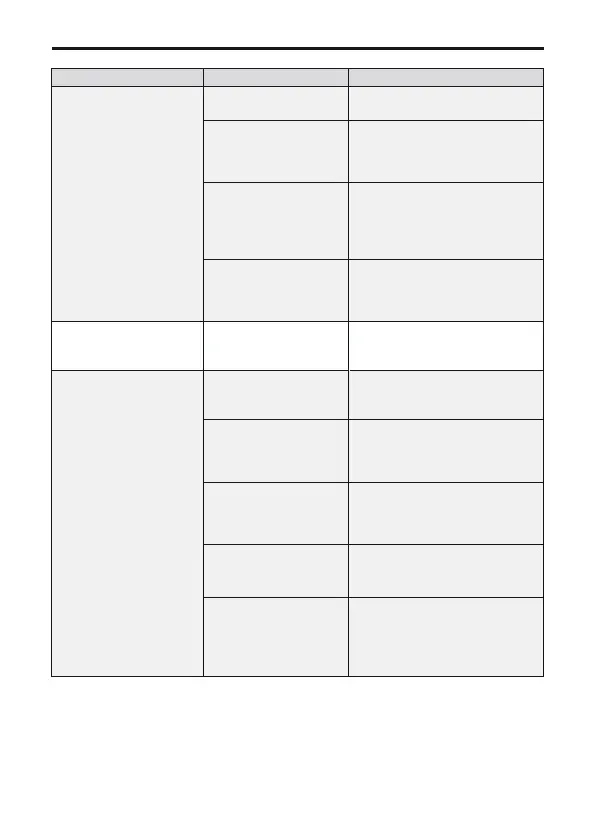
Question Reason Solutions
Video freezes, image
transmission distance
is short
The aircraft is out of
Wi-Fi range
Fly the aircraft within the
range of the Wi-Fi
Fly the aircraft in an
unobstructed open area free
of buildings, high-voltage
wires and signal towers
WiFi image
transmission signal
interference
The transmitter and
the mobile phone are
not pointed at the
direction of the drone
Point the transmitter and the
mobile device at the flying
direction of the aircraft to
maintain the strongest signal
connection
Phone performance
freezes
Close unused apps running in
the background to maintain
the best performance of the
phone
App does not show
what the drone's
camera is taking
Connect the drone's Wi-Fi :
Ruko-PRO-****** on the
phone
Set the phone to airplane
mode
Turn off the VPN
The phone is not
connected to the
drone's Wi-Fi
The required device operating
system to work with the app
is Android 6.0 and above, IOS
10.02 and above
The phone operating
system version is too
low
Certain phones'
setting preventing
the app working
normally
The VPN app block
the connection of the
phone and the drone
Didn't keep the
drone's network when
trying to connect the
drone's WiFi
Please do keep the drone's
WiFi connectted when the
phone pop up reminder that
"This network has no internet
access"
Video is not clear
if use APP storage,
the pixels are
1920×720P
Insert the memory card and
storage the video on the
memory card
Copyright ©2023 Ruko All Rights Reserved.57
F11 PRO User Manual



 To Next Page