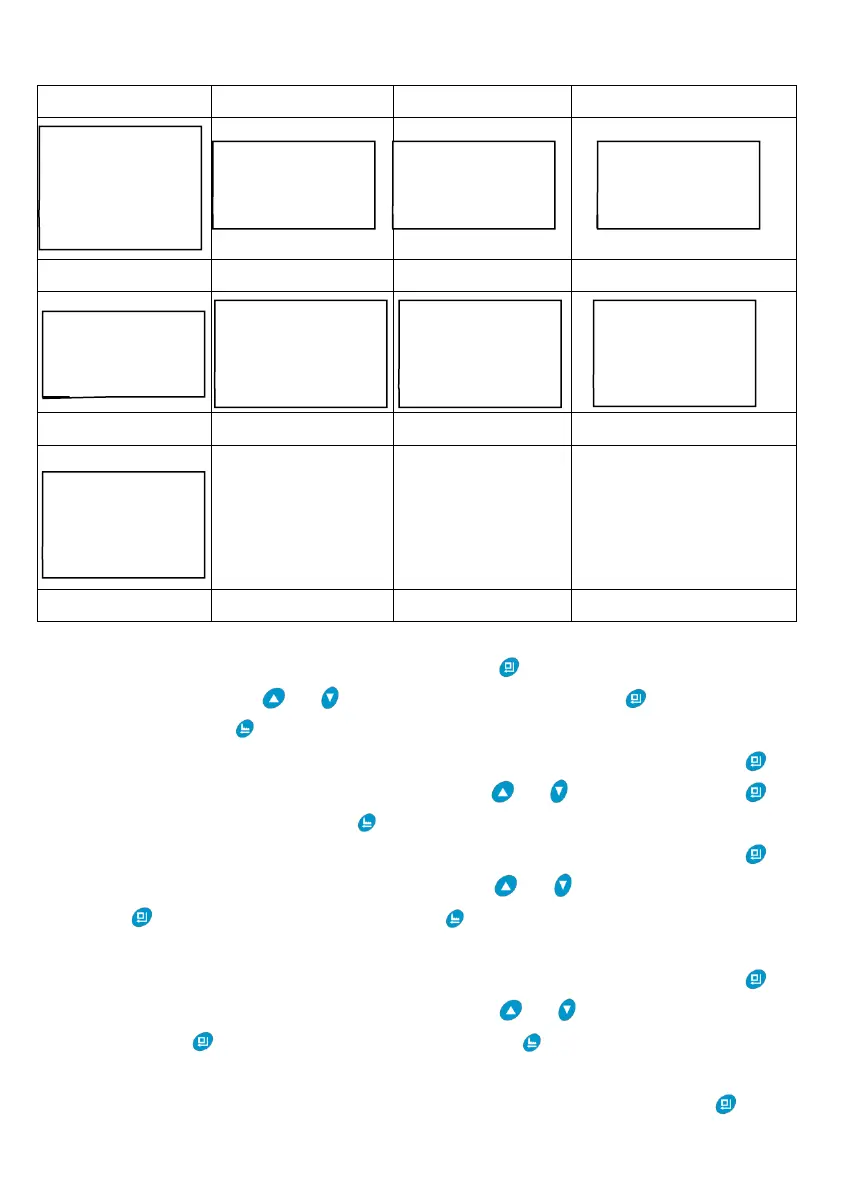
① When the display screen shows Figure H1, the option of “Set Language” will be
selected by system automatically, and then press , the display screen will show
Figure A1. Can press or to choose needed language. Press , it will save and
return to H1; Press , it will return to H1 without saving the value.
② When the display screen shows Figure H1, select “Set Flow Rate Unit”, and press ,
the display screen will show Figure A2. Can press or to choose unit. Press ,
it will save and return to H1; Press , it will return to H1 without saving the value.
③ When the display screen shows Figure H1, select “Set Resin Volume”, and press ,
the display screen will show Figure A3. Can press or to choose resin volume.
Press , it will save and return to H1; Press , it will return to H1 without saving the
value.
④ When the display screen shows Figure H1, select “Coefficient of W.T.C.”, and press ,
the display screen will show Figure A4. Can press or to choose coefficient of
W.T.C. Press , it will save and return to H1; Press , it will return to H1 without
saving the value.
⑤ When the display screen shows Figure H1, select “Set Brine D. Type”, and press , the



 To Next Page