USER MANUAL V4.0 | Updated Jan 06, 2021 38
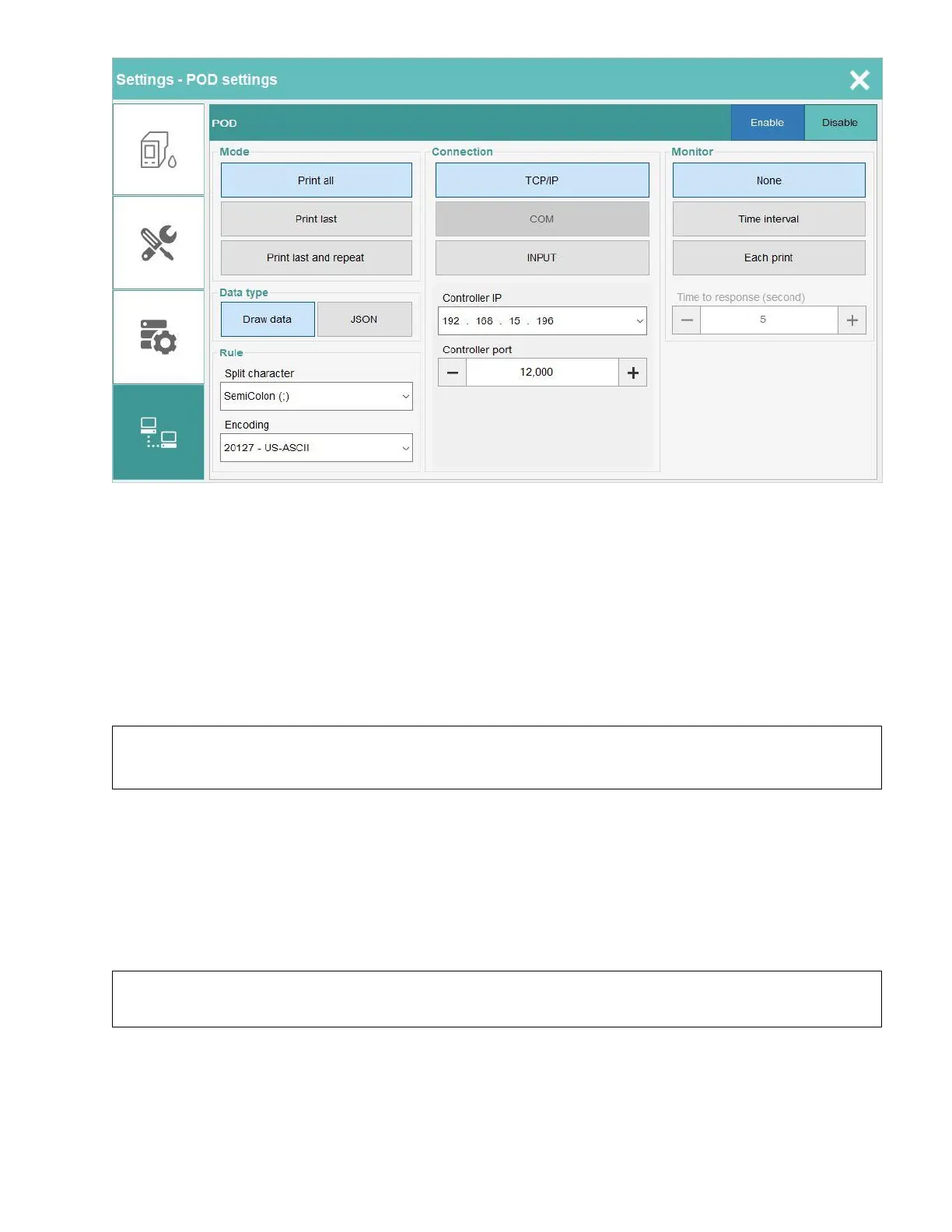
6.5.1. POD Mode
Control the behavior action of software when it gets the data from sender.
6.5.1.a. Print all
The printer will print all message send from sender.
Example:
Printer received 5 messages (packet / telegram). Your result of printing will be:
MESSAGE_0, MESSAGE_1, MESSAGE_2, MESSAGE_3, MESSAGE_4
After complete print MESSAGE_4, the printer will go to NO DATA status and wait for new
messages. In NO DATA status if sensor get trigged the printer get error and auto stop.
6.5.1.b. Print last
Printer received 5 messages (packet / telegram). Your result of printing will be:
NO DATA status will enable after print MESSAGES_4 also.
6.5.1.c. Print last and repeat
Printer received 5 messages (packet / telegram). Your result of printing will be:


 To Next Page