33
English
PRICE DISCOUNT
100
PRICE DISCOUNT
0N 1: mtwtfss. 00:00
PRICE INCREASE
050
PRICE INCREASE
0N 1: mtwtfss. 00:00
PREGRINDING
YES
PREGRINDING
0N 1: mtwtfss. 00:00
RINSING TIME
YES
RINSING TIME
0N 1: mtwtfss. 00:00
•
1
9
10
11
12
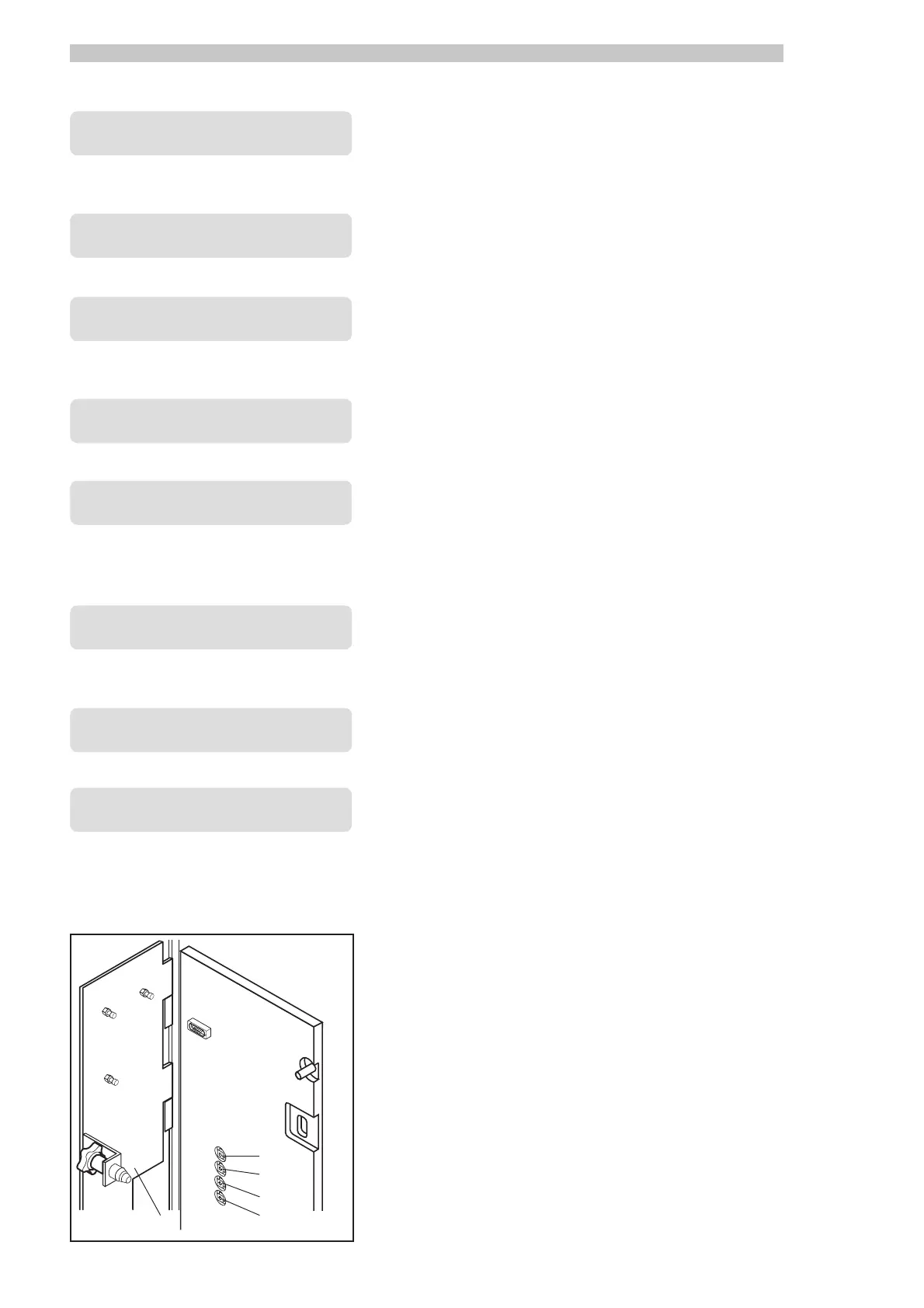
Fig.22
It allows you to program a discount for beverages at certain times over the
course of a week. Press ENTER to activate the arrow cursor and use the “+”
and “-” buttons to make a selection. The minimum value is pre-defined by
the nation key.
Press ENTER again to set two different time ranges (
ON1-OFF1, ON2-ON1-OFF1, ON2-
ON1-OFF1, ON2-ON1-OFF1, ON2-
ON1-OFF1, ON2-
OFF2OFF2
OFF2OFF2
OFF2) determining the discount times. To program days and hours, follow
the same procedure used above for the “
FREEFREE
FREEFREE
FREE” parameter.
It allows you to program a surcharge for beverages at certain times over
the course of a week. Press ENTER to activate the arrow cursor and use the
“+” and “-” buttons to make a selection. The minimum value is pre-defined
by the nation key.
Press ENTER again to set two different time ranges (
ON1-OFF1, ON2-ON1-OFF1, ON2-
ON1-OFF1, ON2-ON1-OFF1, ON2-
ON1-OFF1, ON2-
OFF2OFF2
OFF2OFF2
OFF2) determining the surcharge time. To program days and hours, fol-
low the same procedure used for the “
FREEFREE
FREEFREE
FREE” parameter.
It allows to program a pre-grinding function at certain times over the course of
a week. In this mode, the machine will automatically pre-grind the coffee beans
in preparation for the next beverage containing whole-bean coffee. This func-
tion shortens coffee dispensing time during periods of busy use. Press ENTER to
activate the blinking cursor. Use the “+” and “-” buttons to activate the option.
Press ENTER again to set two different time ranges (
ON1-OFF1, ON2-ON1-OFF1, ON2-
ON1-OFF1, ON2-ON1-OFF1, ON2-
ON1-OFF1, ON2-
OFF2OFF2
OFF2OFF2
OFF2) determining the time during which the pre-grinding option is acti-
vated. To program days and hours, follow the same procedure used for the
“
FREEFREE
FREEFREE
FREE” parameter.
It allows you to program an automatic rinse cycle at certain times over the
course of a week. Press ENTER to activate the blinking cursor. Use the “+”
and “-” buttons to activate the option.
Press ENTER again to set two different time ranges (
ON1-OFF1, ON2-ON1-OFF1, ON2-
ON1-OFF1, ON2-ON1-OFF1, ON2-
ON1-OFF1, ON2-
OFF2OFF2
OFF2OFF2
OFF2) determining the rinse cycle time. To program days and hours, fol-
low the same procedure used for the “
FREEFREE
FREEFREE
FREE” parameter.
Exiting the programming mode
- Press the programming access button ref. 11 (Fig. 22)
- Close the coiner cover ref. 1 (Fig. 22)
- Remove the safety disabling key and close the front door ref. 23 (Fig. 0).
The machine will also exit automatically the programming mode after three
minutes of programming inactivity.



 To Next Page