English
9
70
9.11 "SPECIAL" Products
The machine is designed to also brew products other than
those displayed on the control panel.
After pressing the "Special
Beverages" button, if no
product is selected, the
machine goes back to the
main menu after 10
seconds.
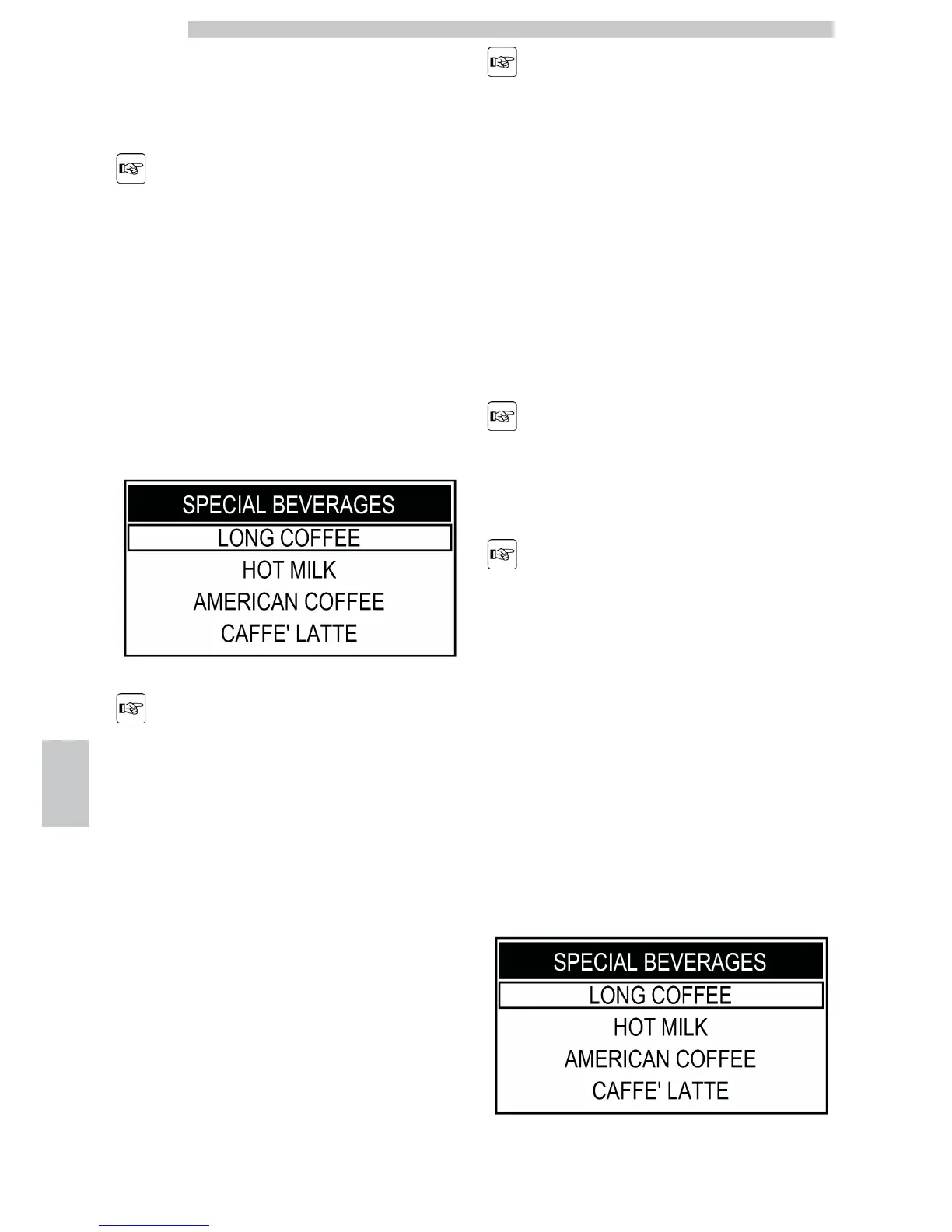
Press the "Special Beverages" button to access the menu.
The "STEAM" function is
displayed and can be
selected only if it has been
previously activated by the
service provider.
Otherwise, it is not
available.
The display shows the page for "special" beverages.
In this menu, you can just
brew one product at a
time. To brew more
products, repeat the
described procedures.
Select the beverage by pressing the "Cappuccino" button
or the "Clean" button.
When the desired beverage has been selected, press the
"Coffee" button to start the preparation.
Refer to the section describing
the brewing procedure for the
desired beverage.
In order to prepare
milk-based beverages, install
the Cappuccinatore after
washing it as described in the
"Cleaning the Cappuccinatore
(After Each Use)" section.
Long Coffee
This programme allows you to prepare a long coffee.
Press the "Special Beverages" button to access the menu.








 To Next Page