22
MX3+ v1.06 EN
© 2018 SafeLine and all the SafeLine products and accessories are copyrighted by law.
Configuration
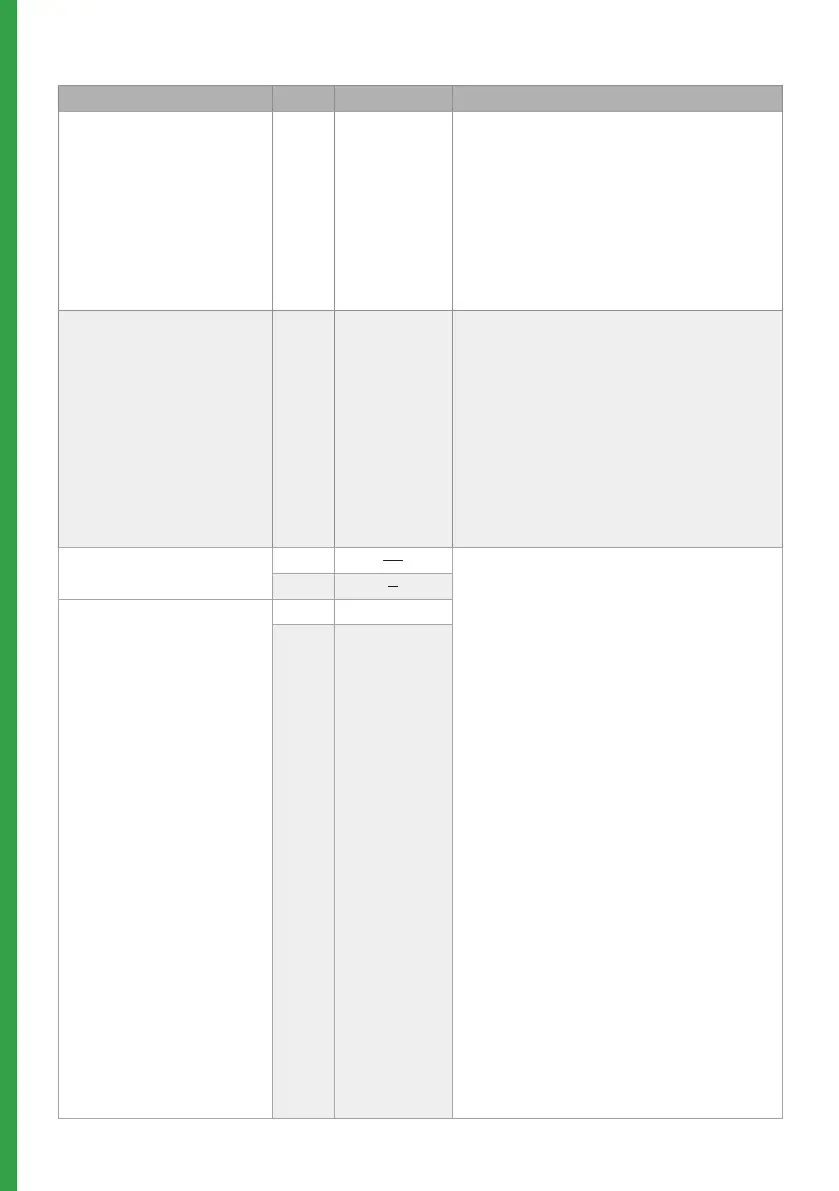
DISTRESS MESSAGE CODE DATA COMMENTS
Record distress message
played in the lift car
*51* ”Speak” # This message will be played in the lift car
when the emergency lift telephone starts
calling the alarm centre. Make sure that
there is no noise in the background when
recording the message.
Example of message:
Please do not panic, the emergency
telephone is now calling the emergency call
centre.
Record alarm message from
Lift Car to alarm central
*52* ”Speak” # This message will be played to the alarm
receiver and in the car when the call is
answered. Make sure that there is no nose
in the background when recording the
message.
Example of message:
This is an alarm from the lift on 5th avenue.
To hear the quality of the message, press “1”.
To terminate the call press “#”.
Options for the recorded
distress message
*61* - #
To play the recorded message, press the
desired parameter followed by #.
0 = Disable recorded message.
1 = Enables recorded message.
*61* #
Options for the recorded
message from Lift Car
*62* - #
*62* #


 To Next Page