29
MX3+ v1.06 EN
© 2018 SafeLine and all the SafeLine products and accessories are copyrighted by law.
Operating
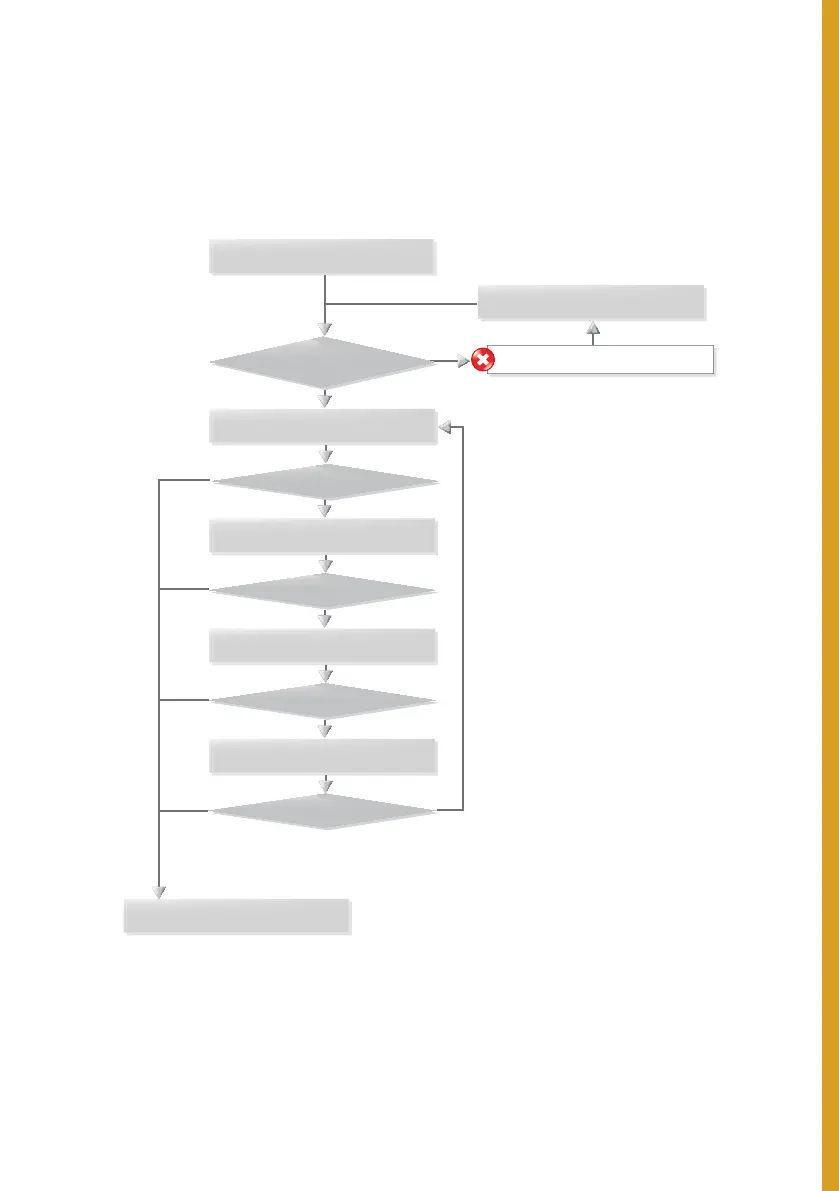
EMERGENCY CALLING PROCESS
Alarm operator made connection.
Calling 1st phone number.
Wait 1 minute.
Calling 2nd phone number.
Calling 4th phone number.
Calling 3rd phone number.
Line missing or busy.
Emergency alarm activated.
Receiving tone?
No
No
No
No
No
Yes
Yes
Yes
Yes
Yes
Answer?
Answer?
Answer?
Answer?
Maximum 12 calls:
with 4 stored telephone numbers,
each number could be called 3 times.
This adds up to the 12 call limit.
To restart the dialling process,
another push of the alarm button is
needed.



 To Next Page