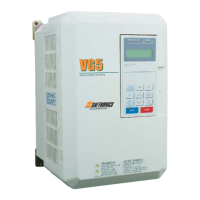
VG5 Installation & Quick-Start Manual 47
The VG5 ships preset to open loop vector control, quick-start access level. Included in this sec-
tion are descriptions of the Quick-Start parameters, for simplified operation of this drive.
3.1 Main Menu: Initialize <ENTER>
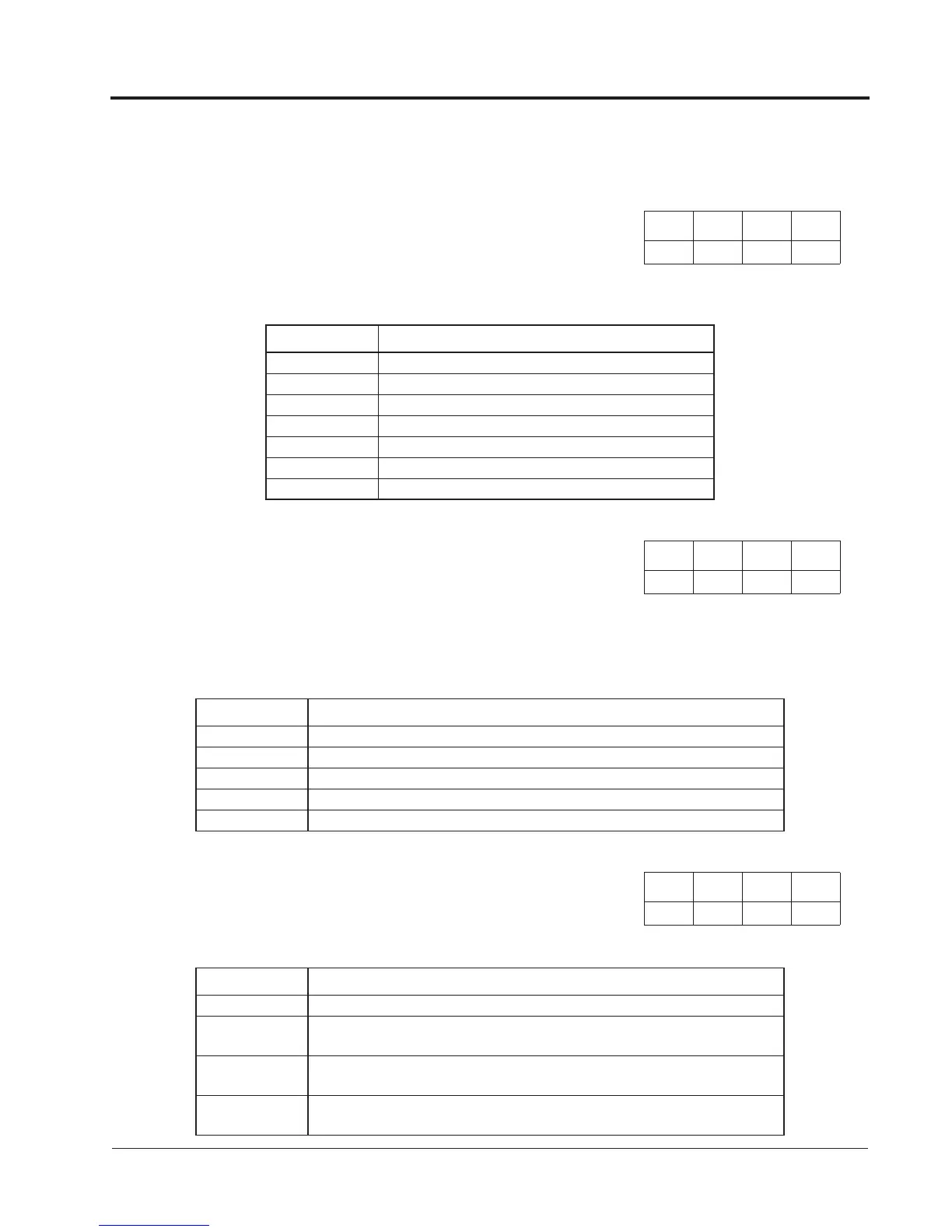
The standard VG5 software incorporates seven display languages. Select the language dis-
played on the digital operator according to the following table:
This parameter determines the group of parameters that can be accessed during set-up/programming.
There are five access levels ranging from parameters for viewing only (0: Operation Only), to parame-
ters required for advanced applications (4: Advanced Level). The inverter defaults to a setting of
“2: Quick Start” to aid in simplifying set-up. See the following table:
Select the control method best suited for your application.
V/f
Control
V/f
w/ PG
Open Loop
Vector
Flux
Vector
A1-00 Language Selection Select Language
Setting Description
0 English (factory default)
1 Japanese
2 German <1110>
3 French <1110>
4 Italian <1110>
5 Spanish <1110>
6 Portuguese
V/f
Control
V/f
w/ PG
Open Loop
Vector
Flux
Vector
A1-01 Parameter Access Level Access Level
Setting Description
0 Operation Only
1 User Program - Accesses parameters selected by OEM.
2 Quick Start Level (factory default) - For maintenance-level programming.
3 Basic Level - For basic programming in most applications.
4 Advanced Level - For advanced programming in special applications.
V/f
Control
V/f
w/ PG
Open Loop
Vector
Flux
Vector
A1-02 Control Method Selection Control Method
Setting Description
0 V/f Control - For general-purpose and multiple motor applications.
1 V/f with PG Feedback - For general-purpose applications requiring closed loop
speed control.
2 Open Loop Vector (factory default) - For applications requiring open loop speed
control, higher torque at low speeds (150% torque below 1Hz).
3 Flux Vector - For applications requiring precise speed and torque control, includ-
ing zero speed control. Uses encoder feedback.
Chapter 3 - Quick-Start Programming
Initialize Menu



 To Next Page