VG5 Installation & Quick-Start Manual 59
Main Menu: Auto-Tuning <ENTER>
Adaptation to most motors manufactured worldwide is possible with the VG5 automatic tuning
function. Available in both open loop vector and flux vector control modes, the inverter prompts the
user for minimal motor information, then guides the user through a quick, simple tuning process.
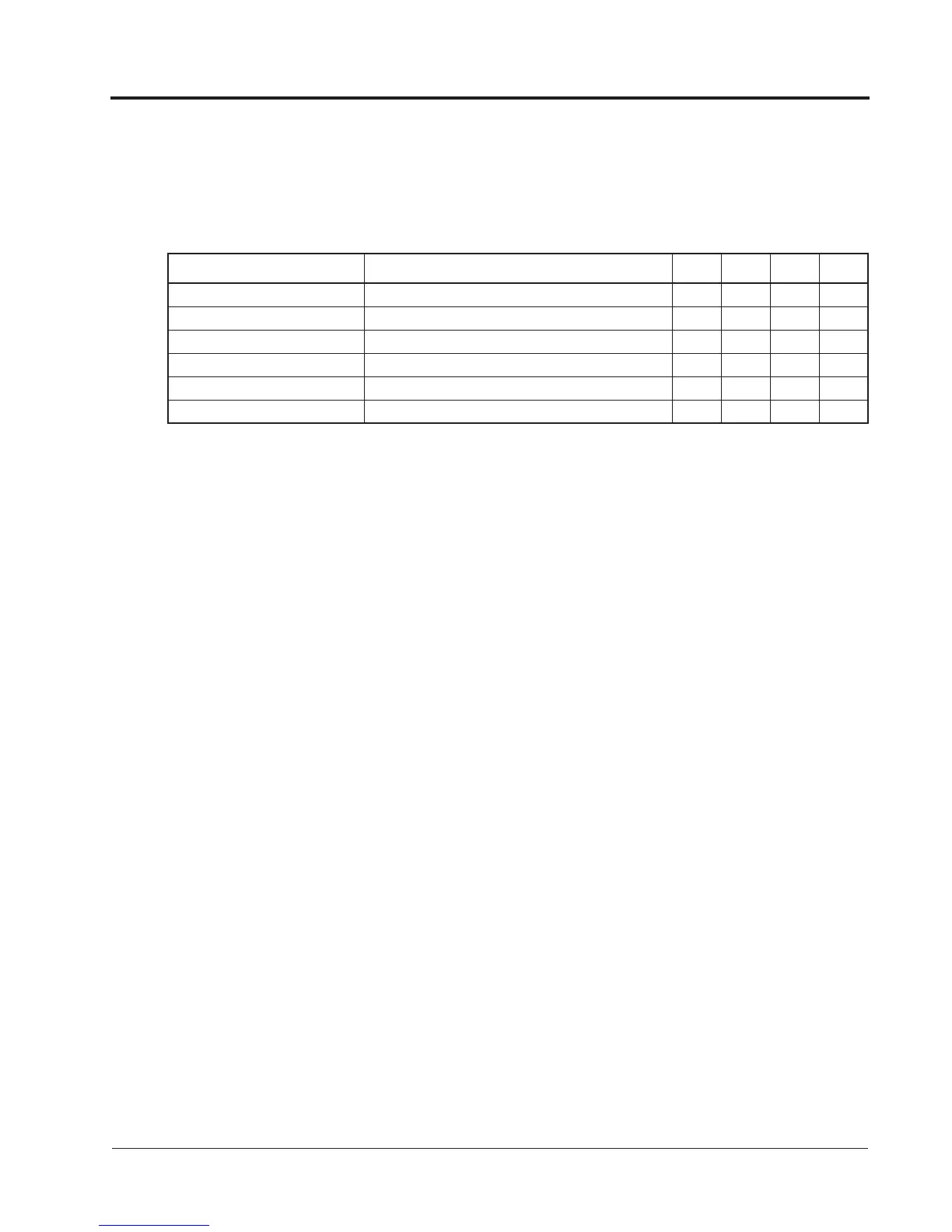
Below is the motor data required for automatic tuning in the quick-start mode:
Be sure to uncouple the motor before beginning auto-tuning. After scrolling through tuning parameters
using key, depress Run key to begin auto-tuning. During tuning, “Tune Proceeding” flashes on the
digital operator display. After complete, “Tune Successful” is displayed.
Note: If the Stop key is depressed during tuning, auto-tuning is interrupted and the motor coasts to
stop. The data changed during tuning returns to its original values.
After tuning is complete, depress the Menu key to exit the auto-tuning mode.
Name Description
V/f
Control
V/f
w/ PG
Open Loop
Vector
Flux
Vector
Motor Rated Voltage Sets motor’s rated voltage in VAC.
Motor Rated Current Sets motor’s rated current in A.
Motor Rated Frequency Sets motor’s rated frequency in Hz.
Motor Rated Speed Sets motor’s rated speed in rpm.
Number of Motor Poles Sets the number of motor poles.
Motor Selection Chooses connected motor as 1st or 2nd motor.
Chapter 3 - Quick-Start Programming
Auto-Tuning Menu



 To Next Page