MXS System Description and Installation Manual UM06945
© Sagetech Avionics 2022 Proprietary Confidential Page 36 of 56
• Communication setup
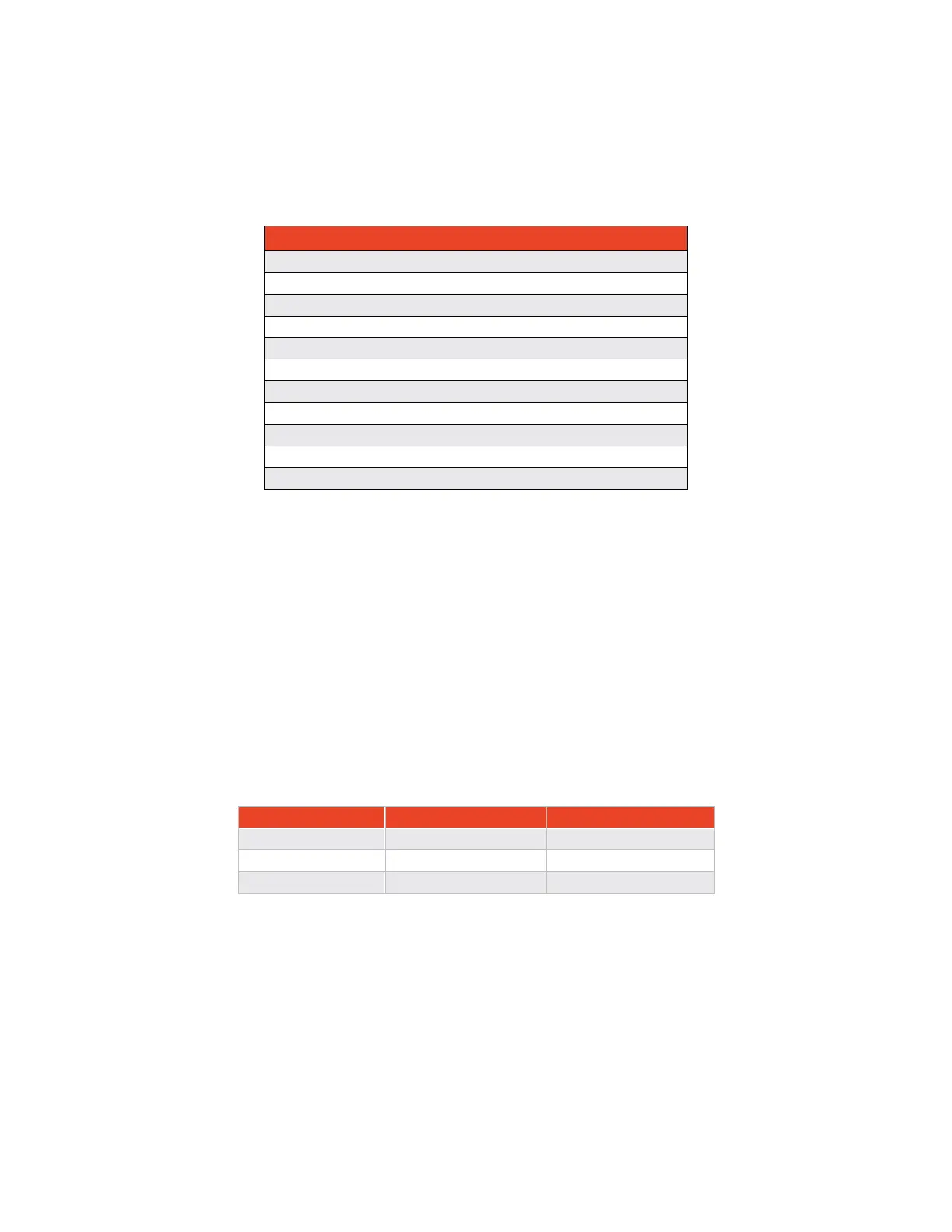
o Baud Rates on Com0 and Com1 can be configured as shown below in Table 7-4, the
default baud rate is 230,400 bps.
Table 7-4 Baud Rate Options
230400 Bits per Second (Default)
o Ethernet IP address, Port, and Net Mask can all be set in the installation message. The
default settings are:
▪ IP Address: 10.1.0.50
▪ IP Port: 2222
▪ Net Mask 255.255.255.0
o The MXS sets the default gateway to [X].[Y].[Z].1 where [X], [Y], [Z] correspond to the first,
second, and third bytes of the IP Address, respectively.
• SIL/SDA - Source Integrity Level (SIL) and System Data Assurance (SDA) values are set following
the guidance of AC 20-165B. Depending on the GPS input the SIL, and SDA are set as shown in the
table below.
Table 7-5 SIL/SDA settings
The SIL should be set according to the specified integrity level of the GPS. The SDA must report the
lowest SDA value of the ADS-B system. If the GPS has a value of less than 2 then the SDA should match
that. If the SDA of the GPS is greater than or equal to 2 then the SDA should be set 2.
• Antenna Location
o The MXS can be configured as a single antenna transponder or as a diversity antenna
transponder. If a single antenna configuration is selected, then the bottom port is used


 To Next Page