Suntrio Plus Series
35
▶
Moves the cursor to the right
F(ENT) Enter into the menu, or confirm selection
Moves the cursor up or increases the setting value
H
Moves the cursor down or reduces the setting value
6.2 First Run Setup
6.2.1 Set the Country
When the solar inverter begins to run for the first time, please configure the
time of usage, and the inverter LCD will display as below:
Power
0 W
E-Today
0.00 kWh
T-Today
0.0 h
T-Total
0.0 h
15-06-09 15:47
Graph Setting Run-Info
About
E-Total
0.00 kWh
Set system Time
Init
Time:
Date:
09/23/2015
Return
Please Set Time & Date
13:23:56
Ok
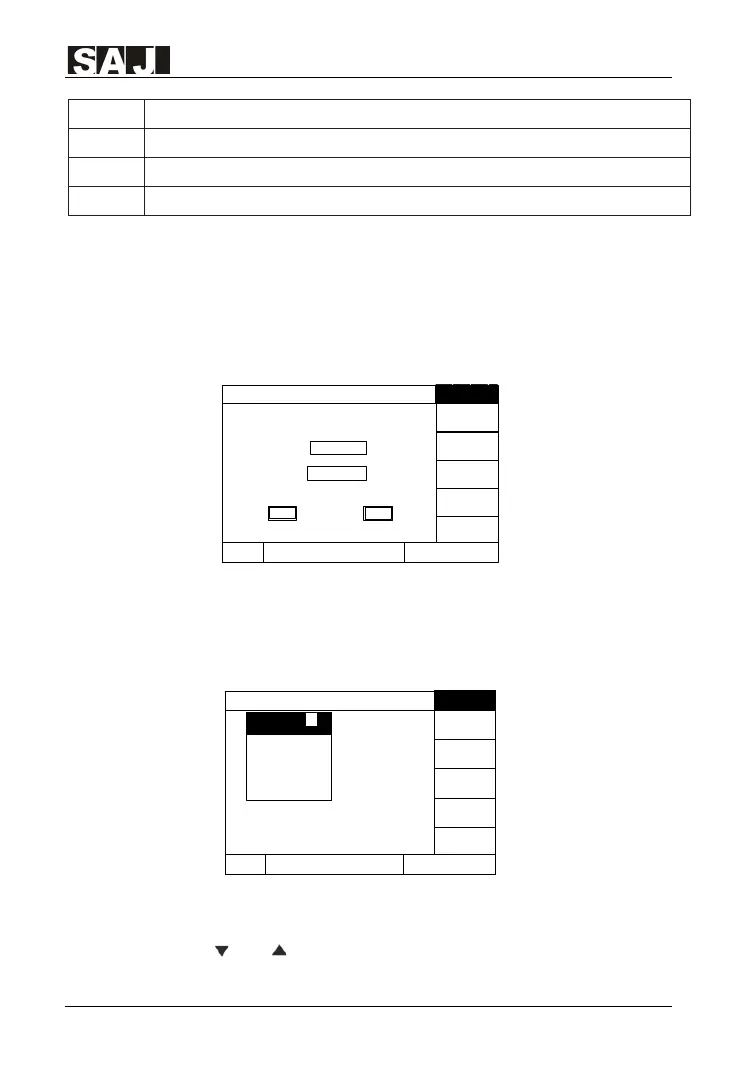
Figure 6.2 Set the Time
Users can press Up, Down, Left, Right and ENT buttons to set local time and
confirm the selection. Then the inverter will display the interface for country
selection as shown in Figure 6.3:
Power
0 W
E-Today
0.00 kWh
T
-Today
0.0 h
T-Total
0.0 h
15-06-09 15:47
Graph Setting Run-Info
About
E-Total
0.00 kWh
Grid ComplianceInit
Country 1
Australia
Belgium
Barzil
Demmark
Finland
France
Luxembourg
Netherland
Australia
Please set
grid country
Figure 6.3 Set The Country
Please press the "ENT" button, LCD will show the countries for option.
Users can press " " or" " to select the correct country and press "ENT"


 To Next Page
 Loading...