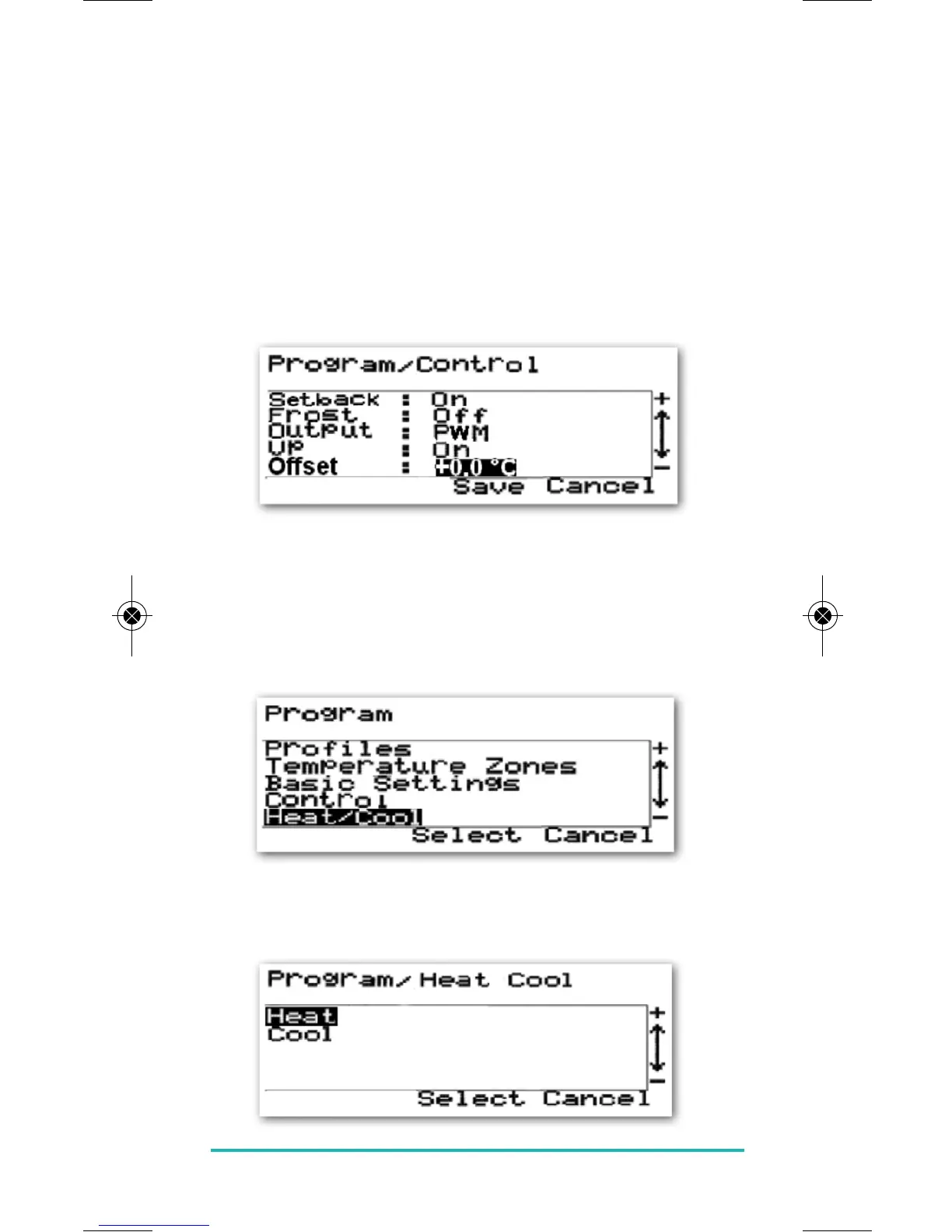
TEMPERATURE OFFSET:
The Temperature Offset menu item is an adjustable
setting that allows calibration of the controller to match
the ambient temperature. The Offset can be adjusted
between –3.5 °C and +3.5 °C in 0.5 °C steps.
Use the PLUS and MINUS keys to adjust the Offset setting,
and save your changes by pressing the SELECT key. After
saving the setting, the ERT50 230v will revert back to the
Program menu.
Pressing CANCEL will return you to the Program menu
without saving your changes.
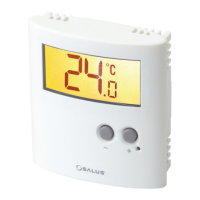
HEAT/COOL:
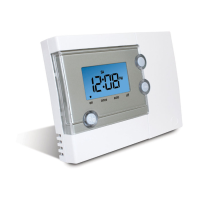
The Heat/Cool menu allows you to select the ERT50 230v’s
operating mode (heating or cooling).
Select your choice of mode using the PLUS and MINUS
keys, and save using the SELECT key.
ERT50 230v INSTRUCTION MANUAL
13


 To Next Page