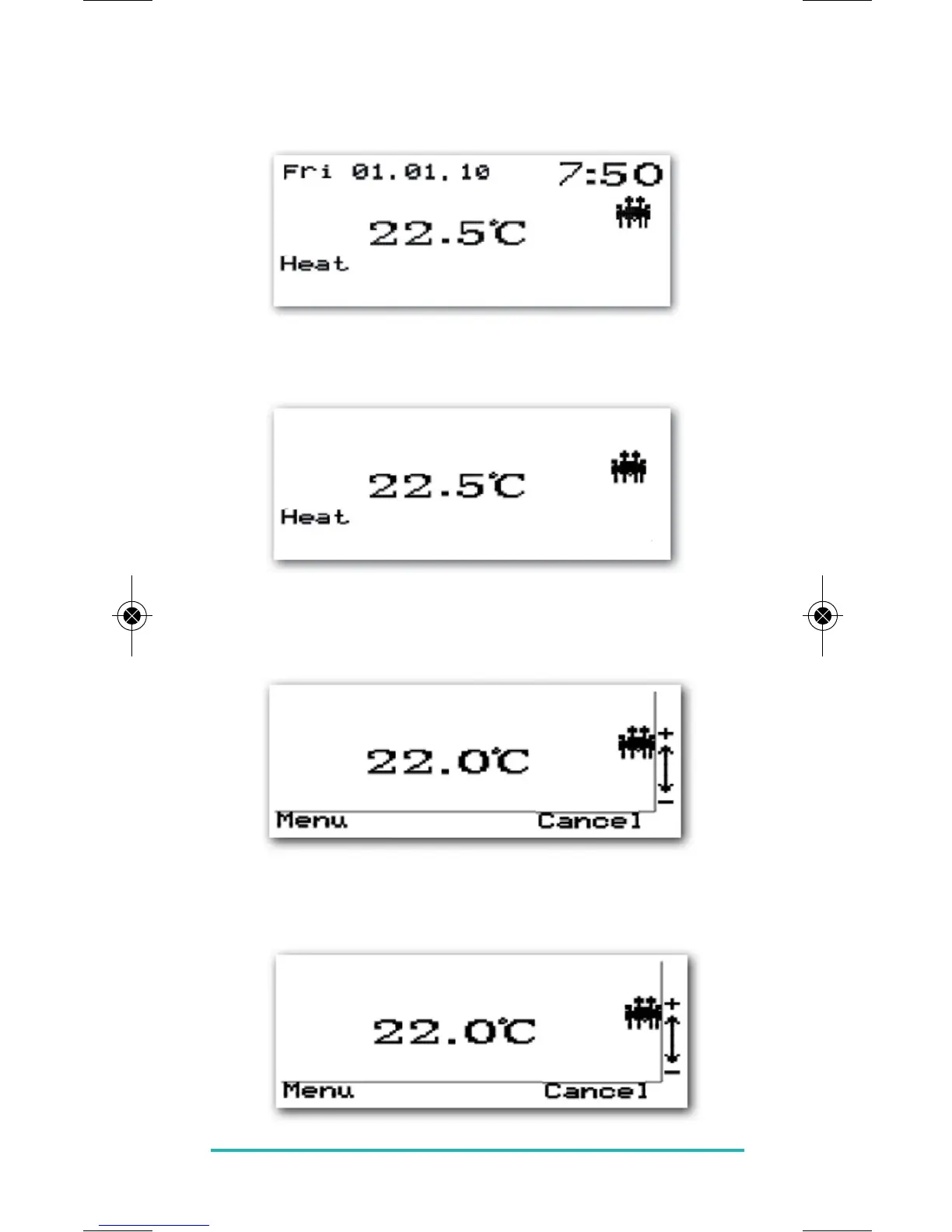
Selected Screen:
In selected screen mode the weekday, date, time,
temperature, heat or cool and profile are displayed.
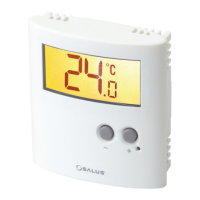
Basic Screen:
In basic screen mode only the temperature, heat or cool
and profile are displayed.
MANUAL CHANGES
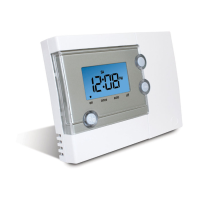
Pressing the CANCEL button twice will allow you to access
the Menu screen as shown here.
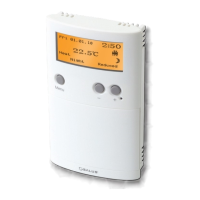
Pressing the PLUS or MINUS keys will allow you to change
the set temperature up or down as shown in the examples
below:
ERT50 230v INSTRUCTION MANUAL
21


 To Next Page