ERT50 230v INSTRUCTION MANUAL
22
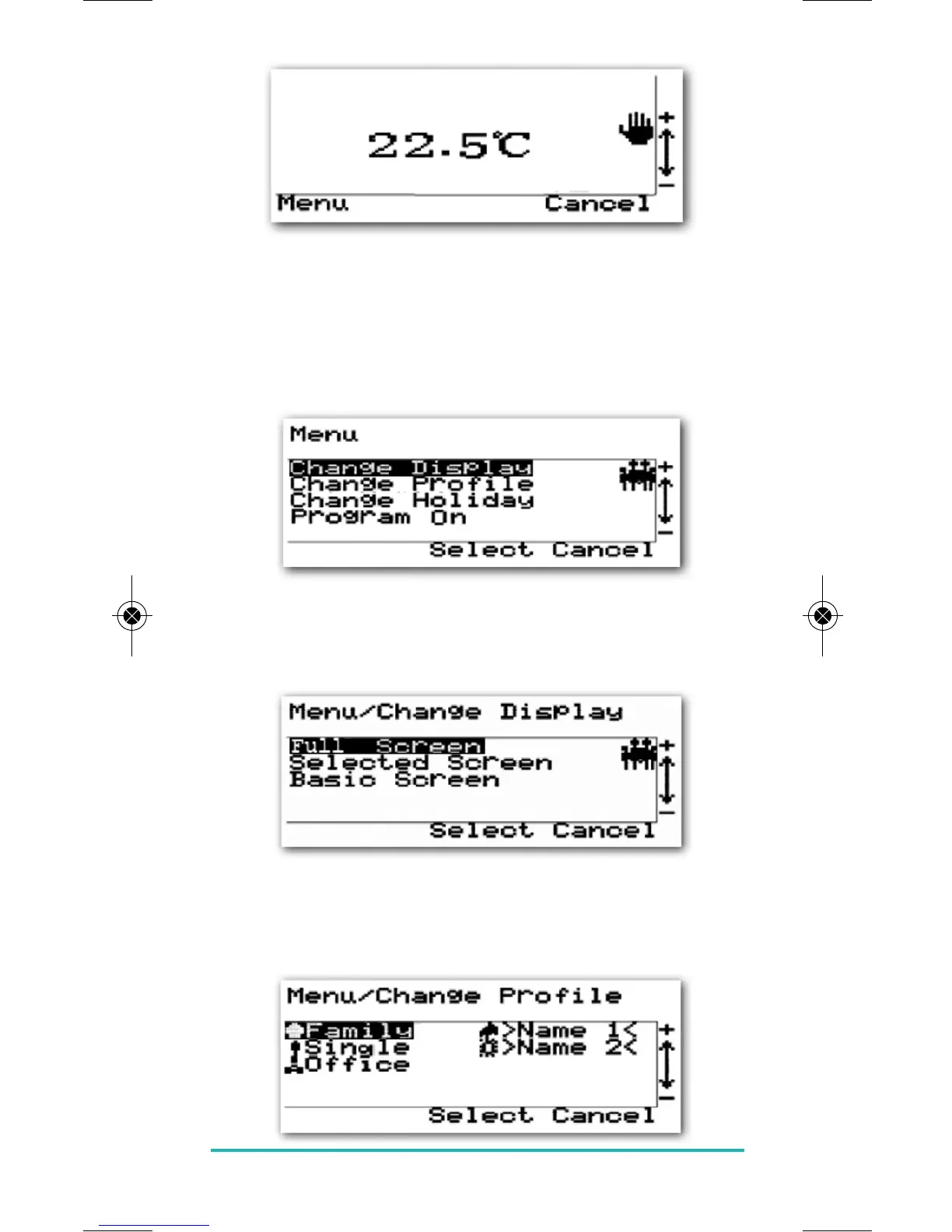
This change to the set temperature will temporarily
overwrite the programmed set temperature – at the next
programmed switch point, the programmed temperature
will become active.
Pressing the MENU key will allow you to change display,
profile and holiday settings.
Change Display:
Select an option by using the PLUS or MINUS keys and
pressing the SELECT key.
Change Profile:
As previously, select an option by using the PLUS or
MINUS keys and pressing the SELECT key.


 To Next Page