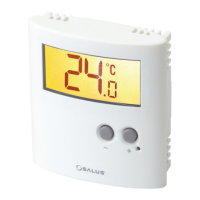
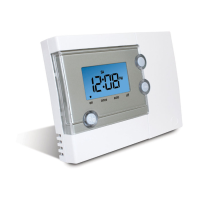
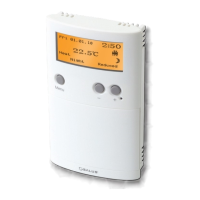
USER CONTROL FUNCTION SUMMARY:
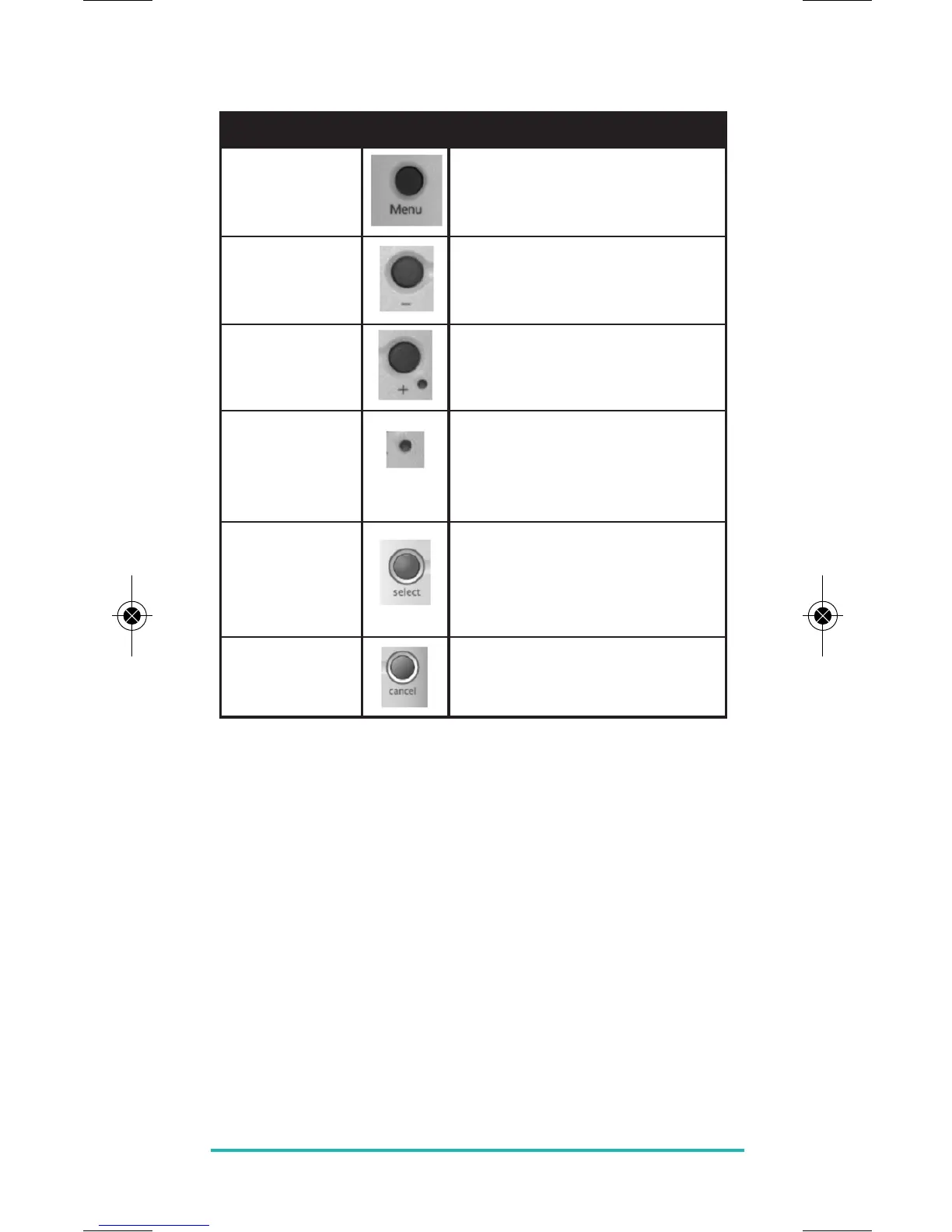
Key/Operation Symbol Functions
MENU key Activates the menu function
of the ERT50 230v
MINUS (-) key Decreases the selected setting
PLUS (+) key Increases the selected setting
RESET button Resets the controller to default
(original factory) settings
SELECT key Selects or saves the currently
highlighted menu or setting
CANCEL key Cancels the current selection
or exits the active menu
OPERATION
As previously described, the ERT50 230v is configured and
adjusted by the use of an intuitive user interface with a
minimal number of user controls, and the backlit LCD
gives a highly visible, easily readable indication of the
thermostat status.
ERT50 230v INSTRUCTION MANUAL
17


 To Next Page