ERT50 230v INSTRUCTION MANUAL
20
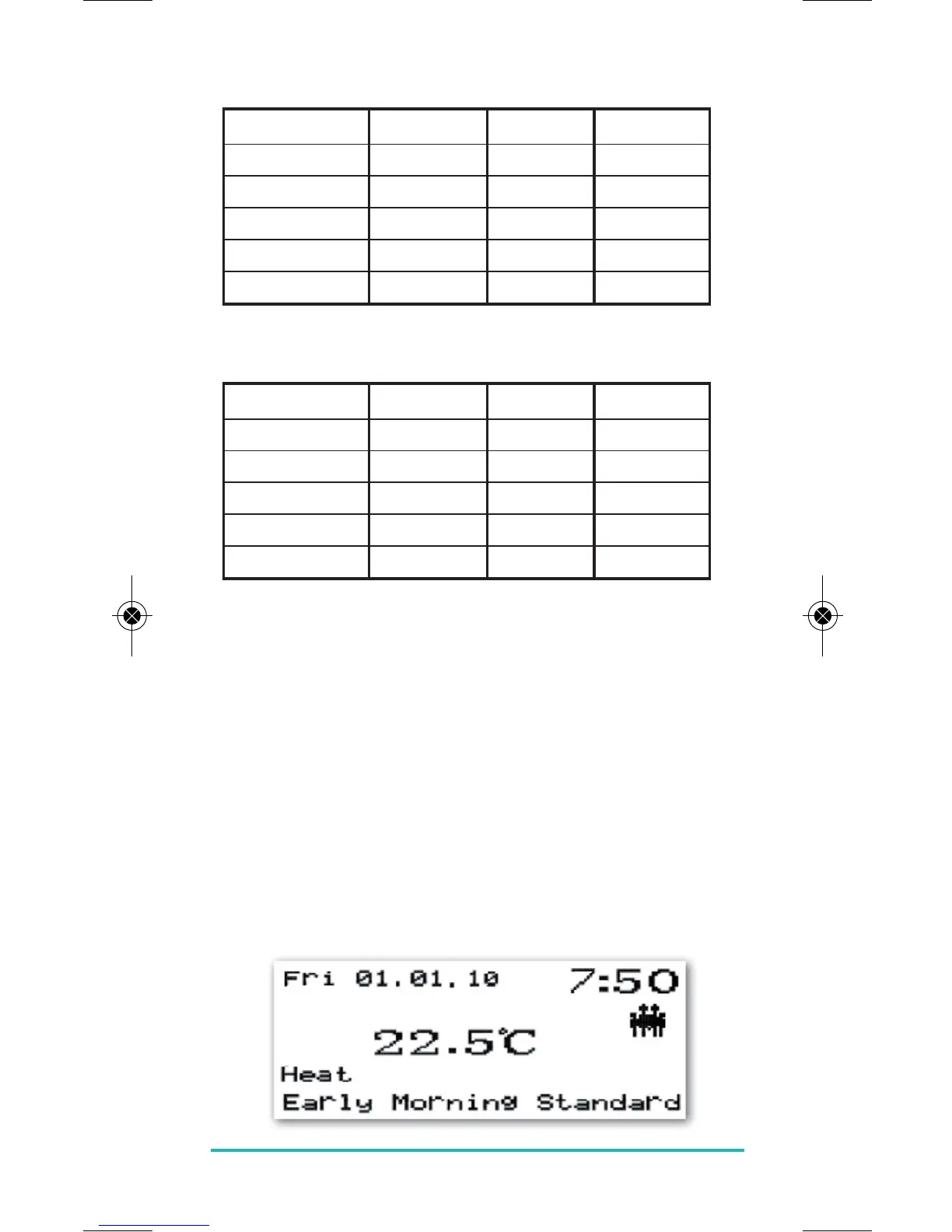
Example 1 – Profile=Family, Days=Mon-Fri
Early Morning 06:00 08:00 Comfort
Morning 08:00 12:00 Standard
Noon 12:00 14:00 Comfort
Afternoon 14:00 18:00 Standard
Evening 18:00 23:00 Comfort
Night 23:00 06:00 Reduced
Example 2 – Profile=Single, Days=Mon-Fri
Early Morning 06:30 07:30 Comfort
Morning 07:30 12:00 Standard
Noon 12:00 15:00 Comfort
Afternoon 15:00 16:00 Standard
Evening 16:00 00:00 Comfort
Night 00:00 06:30 Reduced
EVERYDAY FUNCTIONS (EDF)
The ERT50 230v gives the user the option of three
different idle screen display modes, depending on the
user’s preference: Full screen, Selected screen or Basic
Screen. In all three idle screen modes, the displayed
temperature is the current room temperature.
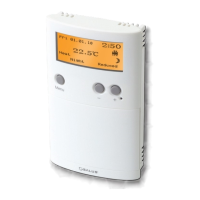
Full Screen:
In full screen mode the weekday, date, time, temperature,
heat or cool, time of day, temperature zone and profile
are displayed.


 To Next Page