ERT50 230v INSTRUCTION MANUAL
30
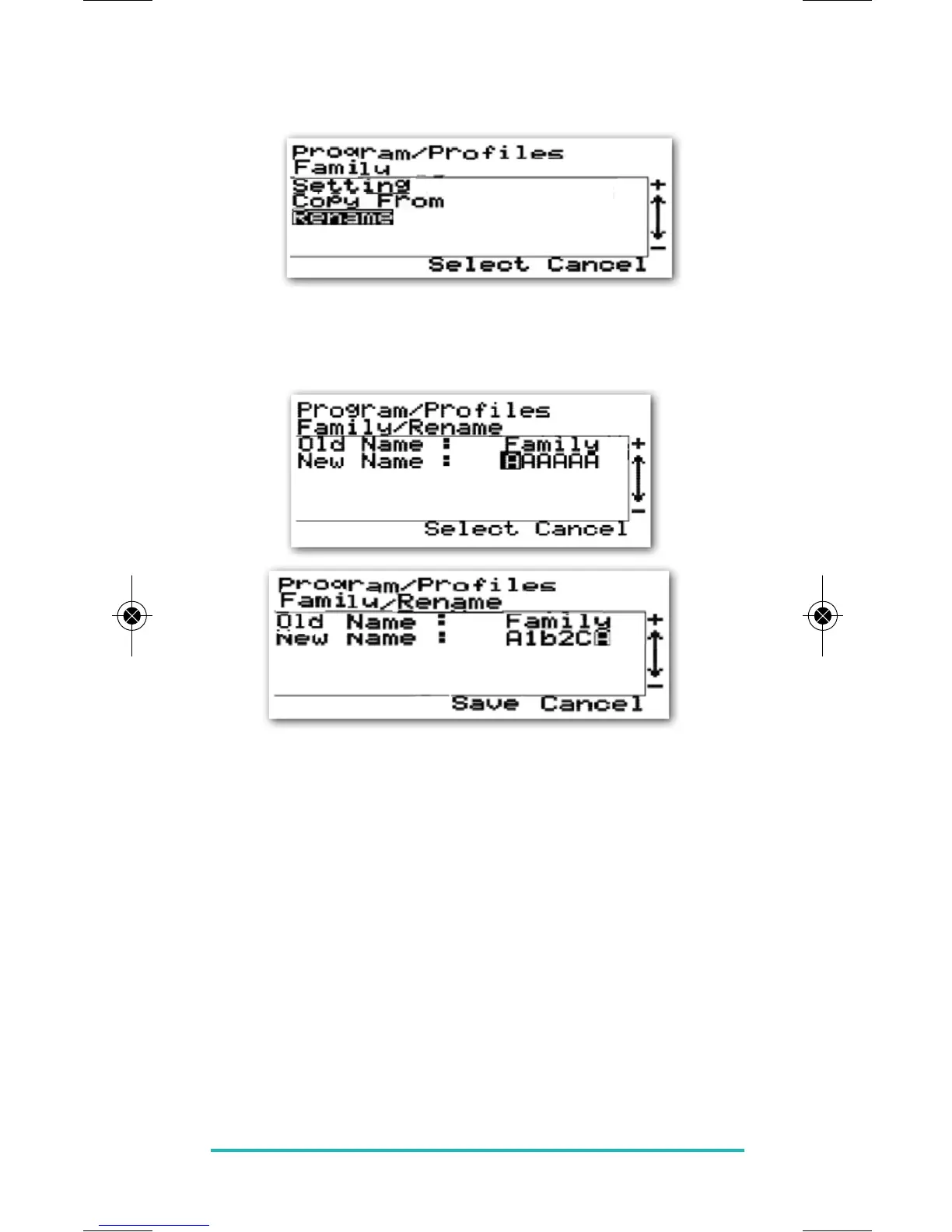
You can also if you wish rename a profile by using the
Rename menu item.
Each profile can be renamed with a maximum of six
characters (letters and numbers): in this example we will
rename the Family profile to A1b2CA.
Use the PLUS or MINUS keys to change each character and
confirm your choice with the SELECT key. On reaching the
last character, the option to save the new name will
appear – press the SELECT key to save your changes, or
CANCEL to exit without saving.


 To Next Page