HCUBE-102S User Manual
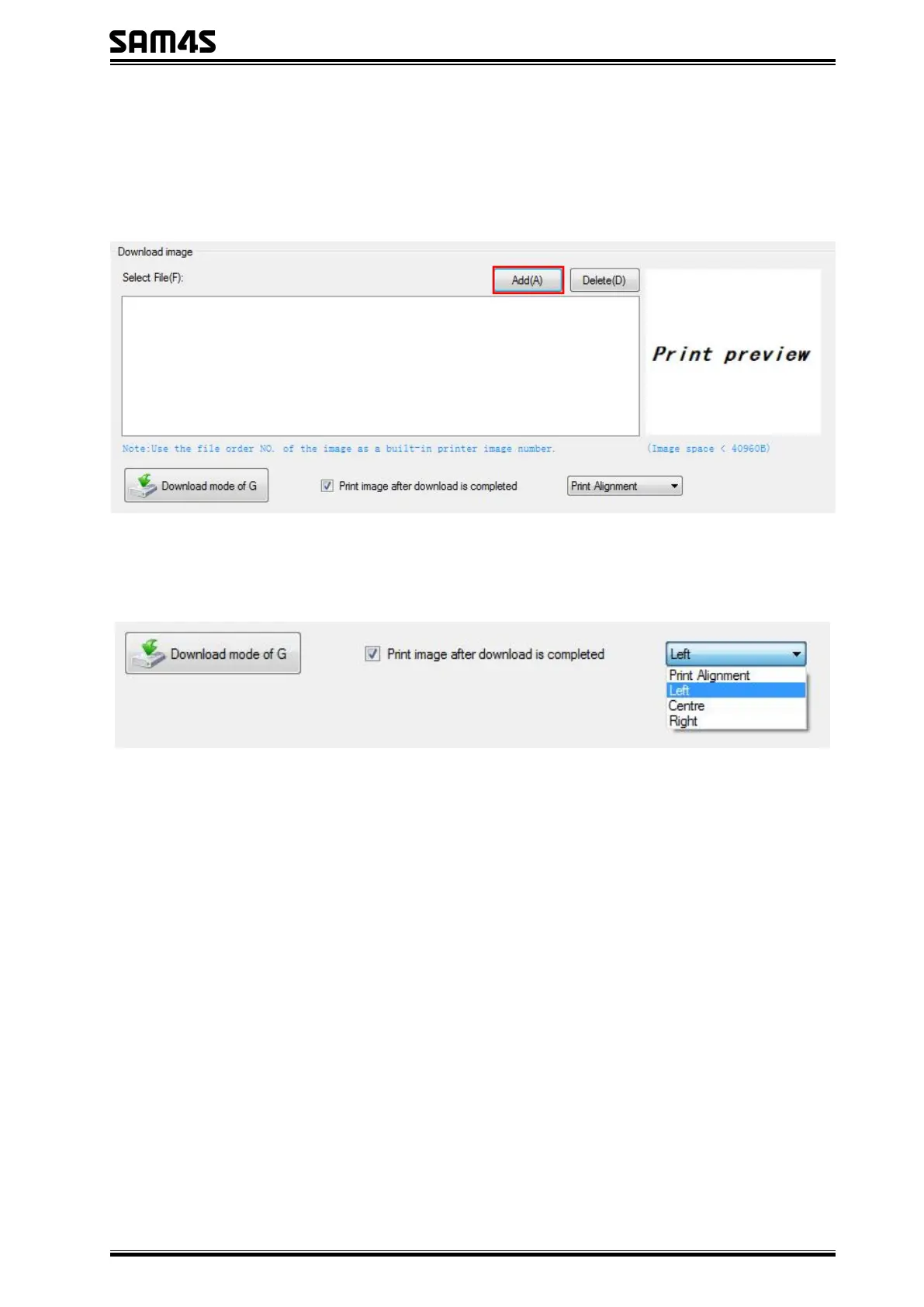
1) Click "Download" to add the image, if you want to print the picture, set the print location
before clicking "Download mode of G" to print the picture. (It is recommended to use a picture
in BMP format)
2) Select the print location, center, left, and right. (Such as, left print).



 To Next Page