Camera
Section 2I. Camera 111
Video Mode Options
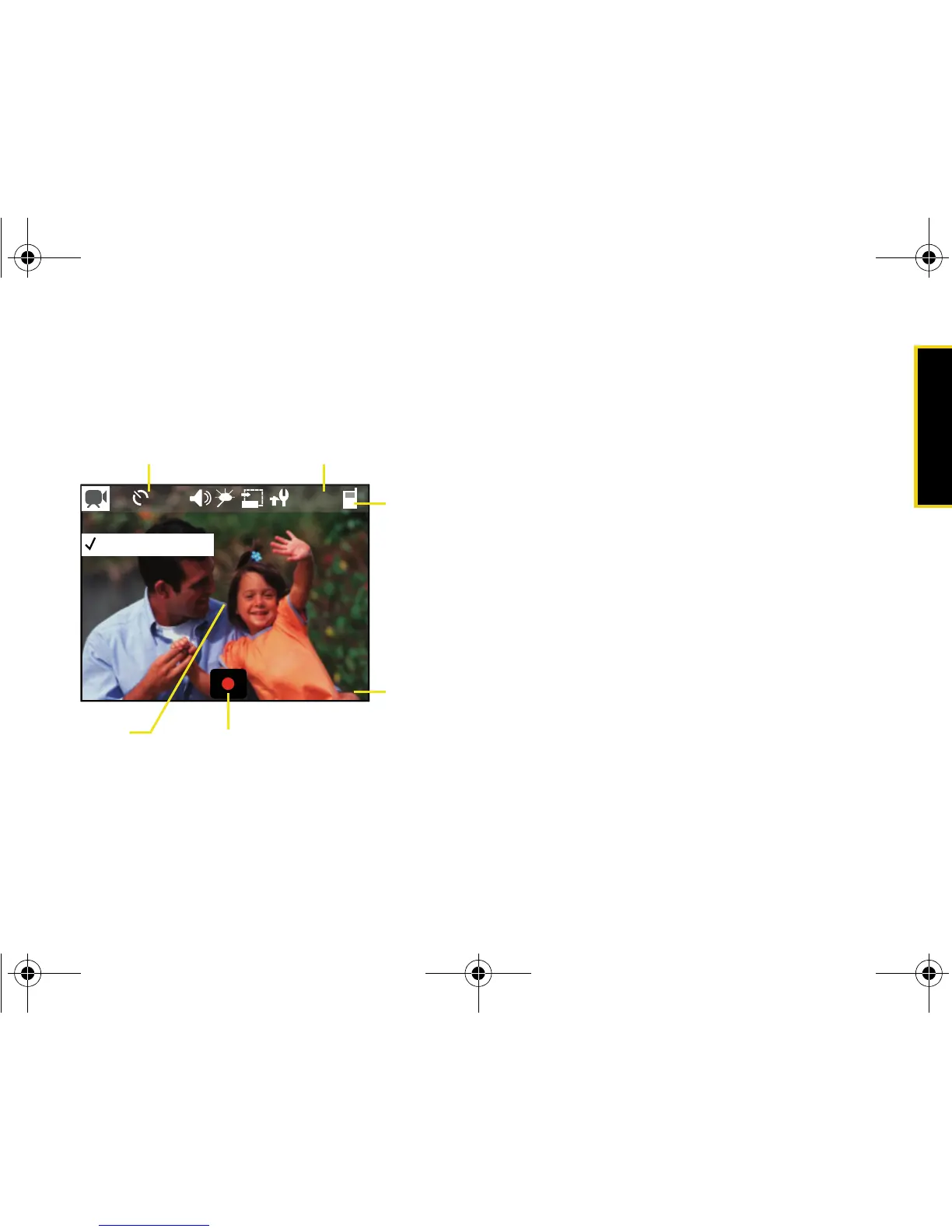
When the device is in camcorder mode, press Menu
(left softkey) and navigate through the various options:
䢇 Camera/Camcorder to toggle between Camera and
Camcorder. (For more details see “Recording
Videos” on page 110.)
䢇 Size to select a video’s image size (320x240 or
176x144).
䢇 Timer to activate the camcorder’s timer. (See “Setting
the Self-timer” on page 106.)
䢇 White Balance to adjust white balance based on
changing conditions. Select from
Auto, Daylight, Cloudy,
Tungsten, or Fluorescent.
䢇 Audio to toggle the microphone On or Off during
recording.
䢇 Effect to select a variety of color tones for the video
(
No effects [default], Sepia, B/W, or Negative).
䢇 Help to view key functions in camcorder mode.
䢇 Settings to adjust General, Camera, and Camcorder
settings. (See “Adjusting Settings” on page 108.)
Selecting Video Settings
䢇 See “Camcorder Settings” on page 110.














 To Next Page