Synchronization
Section 2L. Synchronizing with ActiveSync 141
Setting up Windows Media Player
Sync Options
If you choose to synchronize multimedia files (pictures,
video, and music), you will need to set up a sync
partnership between your device and your computer's
Windows Media Player.
It is recommended that you have the latest version of
Windows Media Player installed. (You can verify this by
clicking
Help > Check for Updates... from the Media Player
menu.)
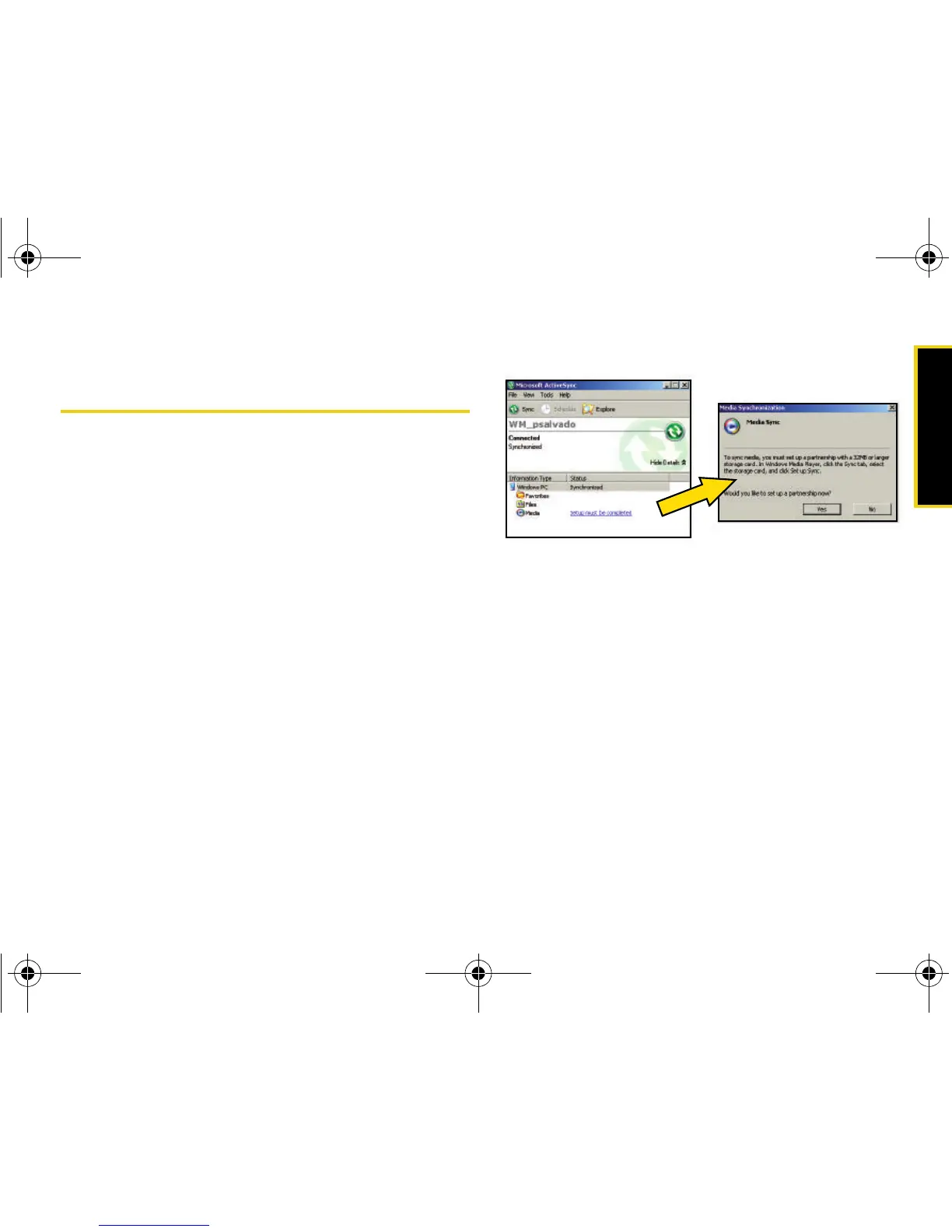
1. From within the Synchronized items field (adjacent
to the Media entry) click the
Setup must be completed
link.
2. In the pop-up dialog box, click Yes to begin the
setup process.
3. Launch Windows Media Player. (Your device
appears within the left pane.)
I325.book Page 141 Tuesday, December 11, 2007 11:23 AM














 To Next Page