Device Basics
Section 2A. Device Basics 11
Section 2A
Device Basics
⽧ Your Device Features
⽧ Viewing the Display Screen
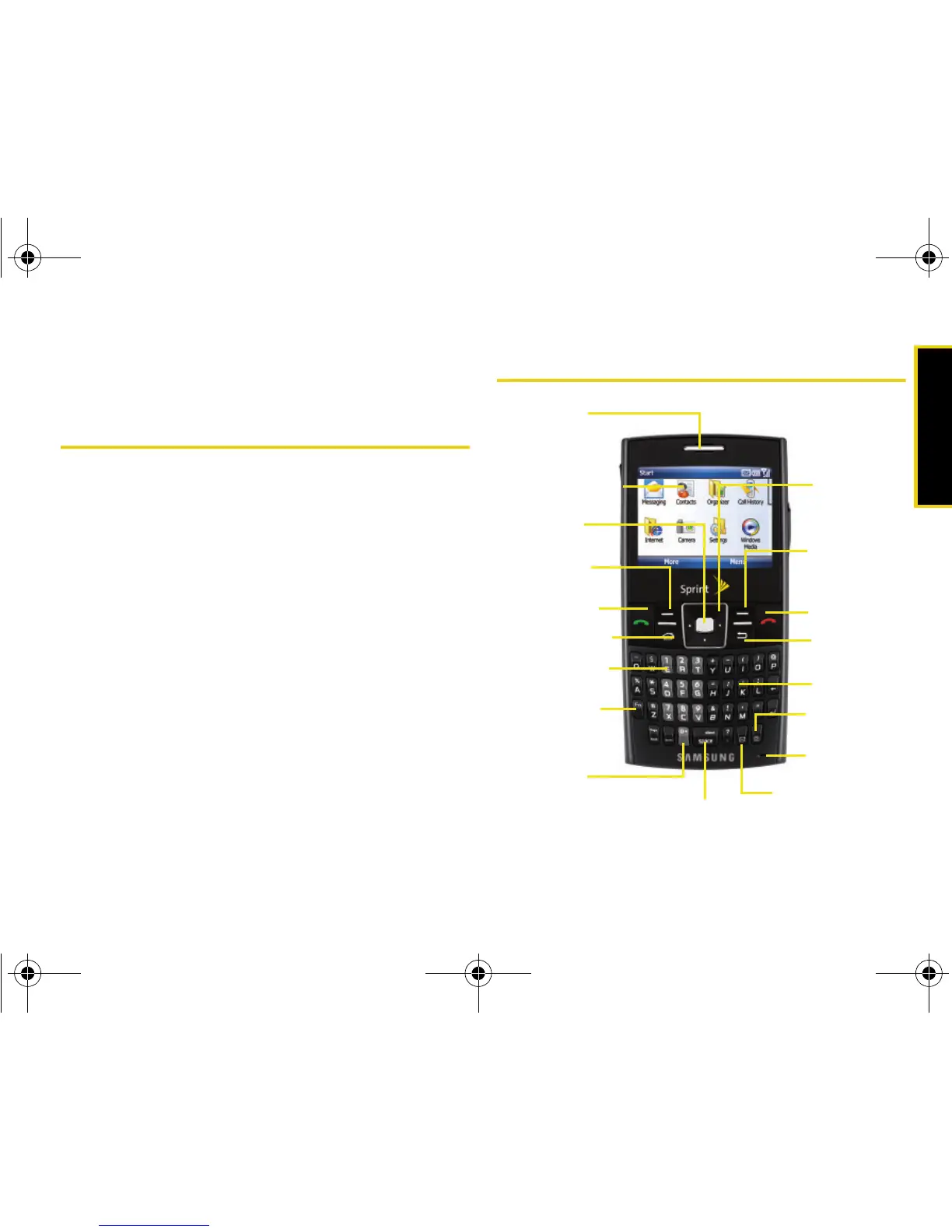
⽧ Features of Your Device
⽧ Turning Your Device On and Off
⽧ Using Your Device’s Battery and Charger
⽧ Navigating Through Device Menus
⽧ Displaying Your Phone Number
⽧ Making and Answering Calls
⽧ Entering Text
Your device is packed with features that simplify your life
and expand your ability to stay connected to the people and
information that are important to you. This section will guide
you through the basic functions and calling features of
your device.
Your Device Features














 To Next Page