Synchronization
Section 2L. Synchronizing with ActiveSync 143
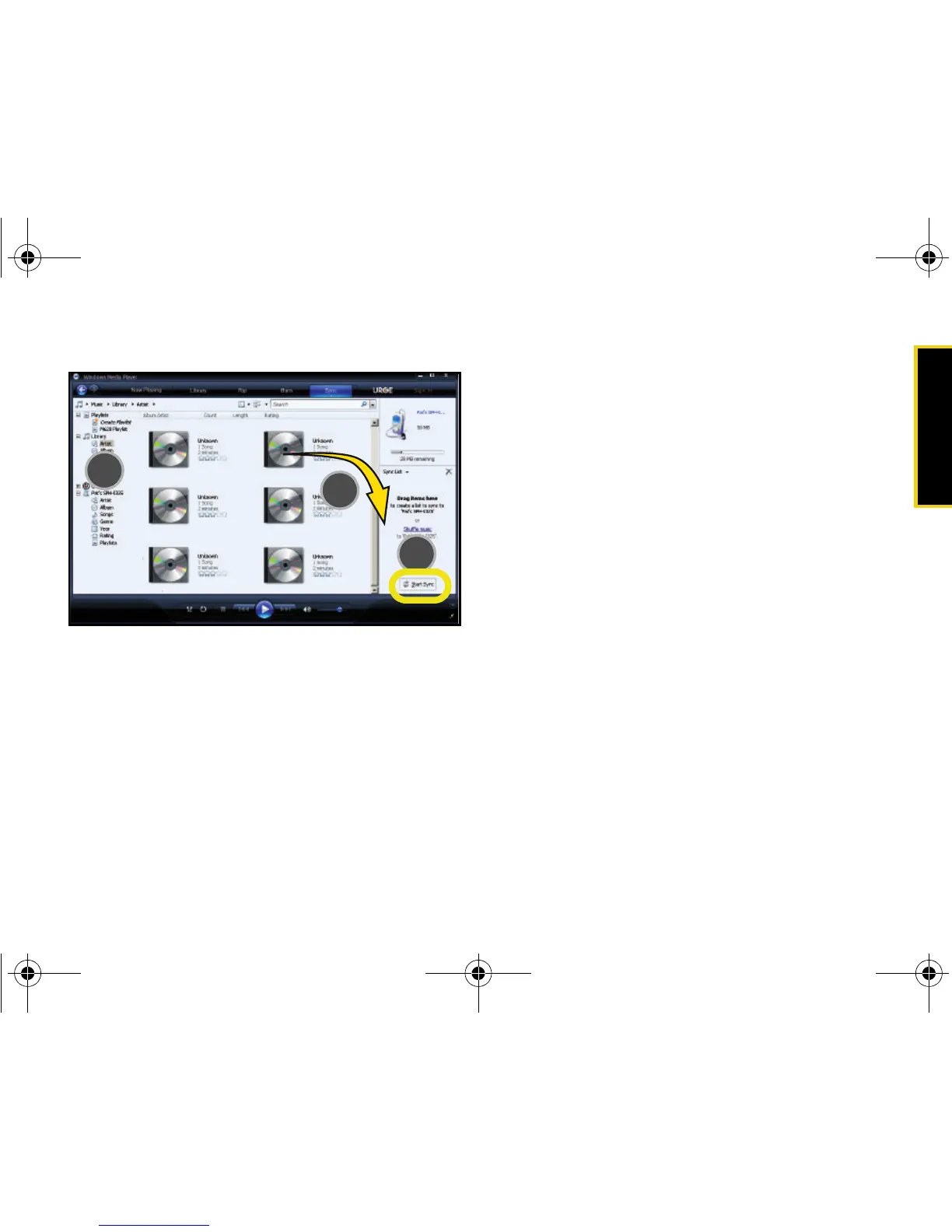
3. When you have finished selecting songs, click Start
Sync to begin the upload process from your
computer to your device’s Music folder.
䡲 If this list is later updated on your computer, it will
be updated on your device during the next
synchronization session.
I325.book Page 143 Tuesday, December 11, 2007 11:23 AM














 To Next Page