English - 5
➢
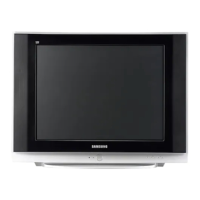
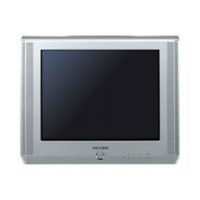
The actual configuration on your TV may be different, depending on
your model.
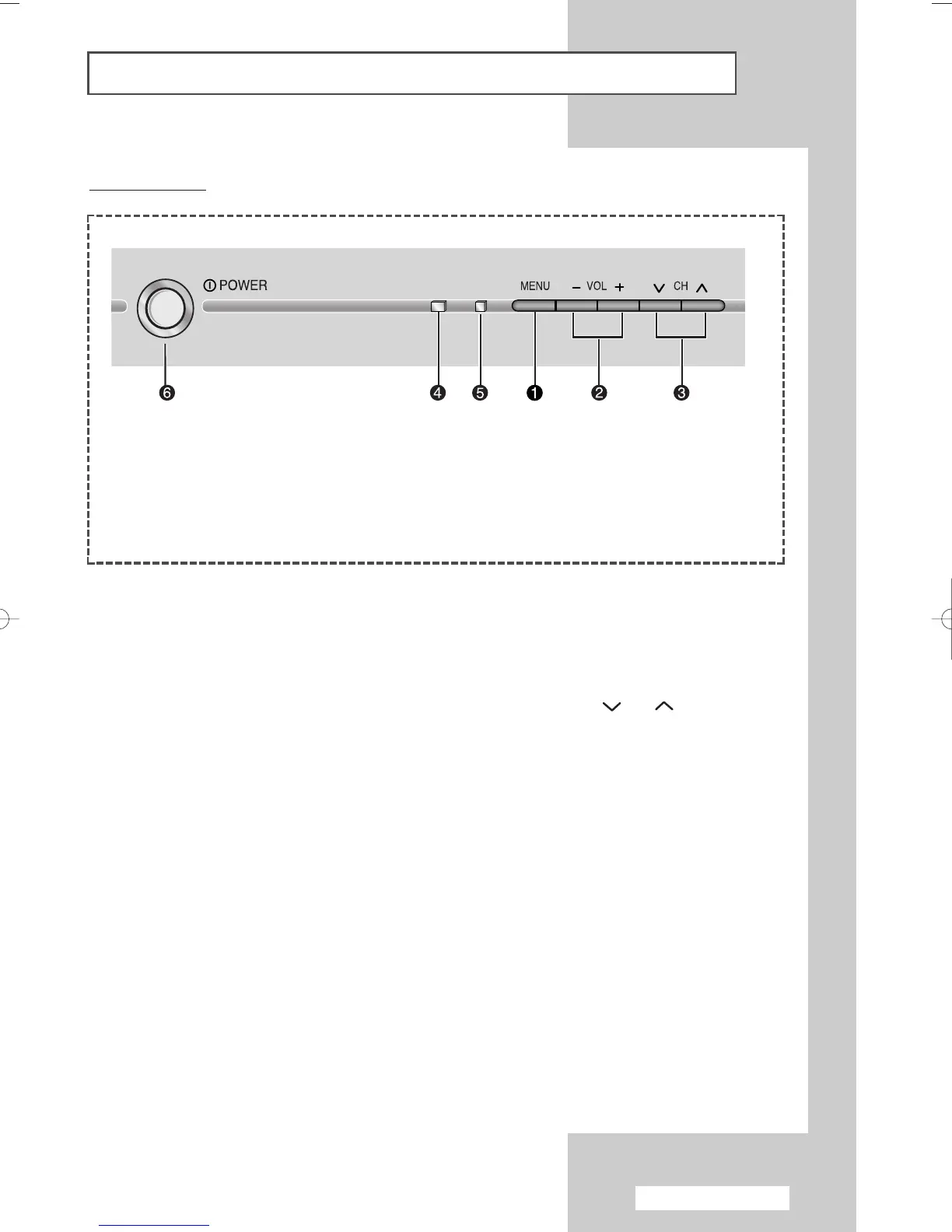
Control Panels
Front of the TV
1) Menu display
2) Volume adjustment
3) Channel selection
4) Remote control sensor
5) Standby indicator
6) Power On/Off
➢
Using the Buttons on the Panel
If the remote control no longer works or you have lost it, you can use controls on the panel of
the TV to:
◆
Switch on the TV when it is in Standby mode and select channels ( CH ).
◆
Access the menu ( MENU ).
◆
Adjust the volume ( - VOL
+
).
AA68-03701A-00Eng 7/19/05 3:43 PM Page 5







 To Next Page