98
Gettingstarted
Aircommand
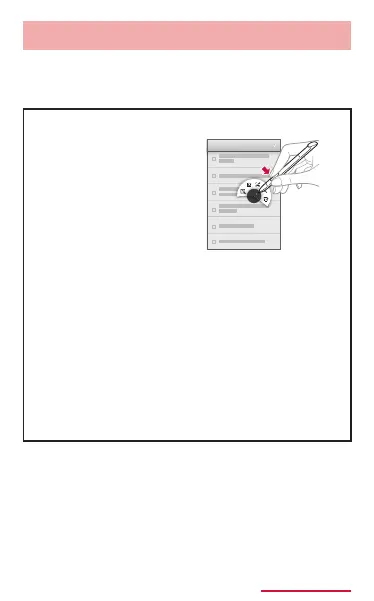
Press the stylus button when putting stylus
pen closer to screen to use the air command
function.
Put stylus pen
closer to the
screen then press
the stylus button to
display general air
command.
• Action memo: Start up the action memo.
• Scrapbooker: Save the contents tapped
by the touch pen to Scrap book. (P.388)
• Screen write: Capture screen.
• S Finder: Start up S Finder to search
(P.158).
• Pen window: Operate certain application
on the window drawn by the stylus pen.
You can draw multiple windows.
The application operated by the pen
window is displayed until the application
is nished.



















 To Next Page