276
Mail/Webbrowser
Menuofhistory/bookmark
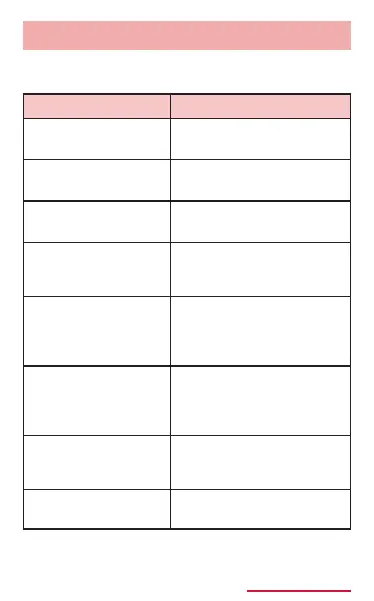
The following items appear when touching and
holding history/bookmark.
Open in new
window
*1 *2
Open a web page in a
new window.
Delete
*1 *2
Delete history and
bookmarks.
Copy
*1
Copy URL of web page.
Edit
*2
Edit the name or URL
of the bookmark and
change the saving folder.
Share via
*1 *2
Share URL of web page
via online service or send
via Bluetooth function or
mail etc.
Add bookmark*
1
Add to bookmark (It
is not displayed if
web page is already
registered to bookmark).
Add shortcut to
home*
2
Create shortcut of
bookmark on the Home
screen.
Set as homepage
*1 *2
Set a web page as home
page.
*1 Appears in history list.
*2 Appears in bookmark list.



















 To Next Page