336
Application
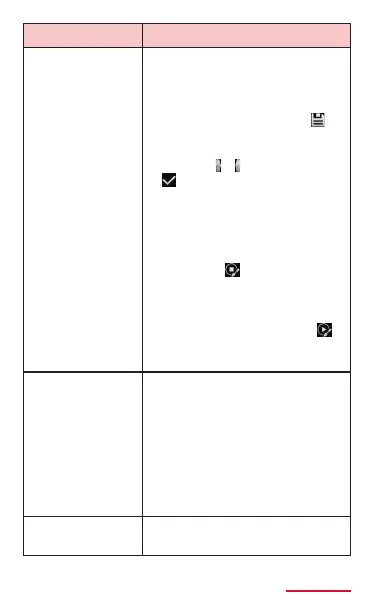
Animated photo Take continuous still images
to compose moving images
for up to ve seconds.
• Edit screen appears after
shooting. Tap "Save"/
to
save still images.
• On the edit screen, "Trim"
→ Drag
/ → Tap "Done"/
to crop the image.
• On the edit screen,
"Direction" → Select
a playback method to
change motion of images.
• On the edit screen,
"Freeze"/
→ Drag an
area not to move the
selected area. To edit
xed area, from the edit
screen, tap "Animate"/
→ Drag the selected area
in Freeze.
Golf You can take picture of your
golf swing form.
• Set the object in the
center and press the
shutter button to detect
and shoot golf swing for
30 seconds.
• In vertical screen mode,
golf mode is not available.
Rich tone
(HDR)
Shoot in HDR (High Dynamic
Range) mode.



















 To Next Page