356
Application
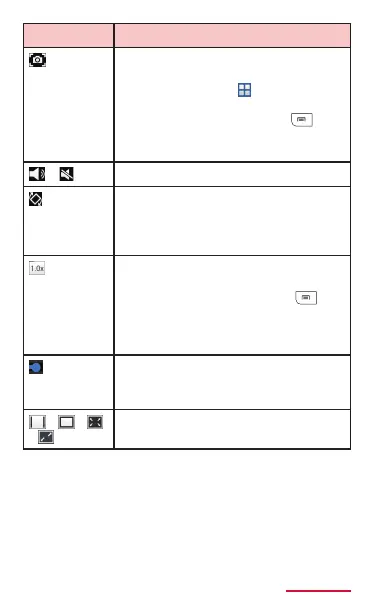
Capture still image from video. To
check captured image, from the
Home screen, tap
→ "Gallery" →
"Screenshots".
* Appears when tapping →
"Settings" from the play screen
and setting "Capture" to "On".
/
Adjust the volume.
Switch portrait to landscape
display.
* Appears when "Auto rotate
screen" (P.101) is set OFF.
Adjust the play speed of the
video.
* Appears when tapping →
"Settings" from the play screen
and setting "Play speed" to
"On".
Indicate the current play position.
Drag left and right to change the
play position.
/ /
/
Switch view size of video.



















 To Next Page