389
Application
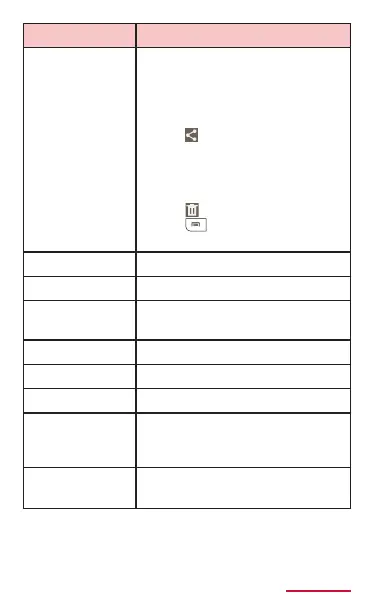
Select item Tap an item and select
multiple items, and then
operate collectively.
•
Tap "XX selected" → "Select
all" to select all items.
• Tap to share item using
online services, send les
via Bluetooth function or
attaching to mail, or by
other applications.
• Tap to delete items.
• Tap to export/move/
copy.
Change layout Change layout.
Rename Change category name.
Manage
categories
Move or manage category.
Import Import scrap book les.
View Set types of data to display.
Accounts Set Samsung account.
Location tag Set whether to embed
location information in each
scrap.
Help Display operation guide for
scrap book.



















 To Next Page