94
Gettingstarted
PenSpreview
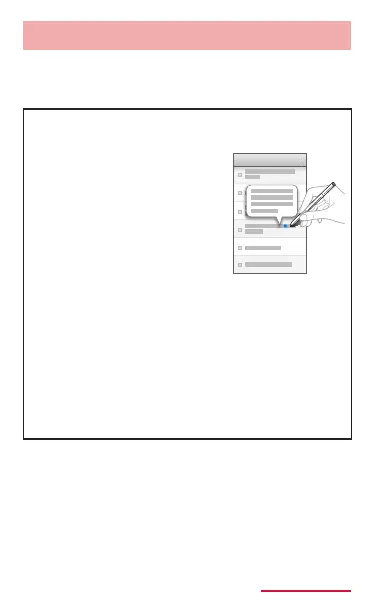
When the stylus nib is held near the screen, the
S preview pointer will appear on the screen and
you can do the following operations.
When the information
preview is present, the S
preview pointer turns blue.
Displays information which
is not displayed entirely
on the screen in preview
when the stylus nib hovers
close to the text or the
image, or displays scene
or frame time information
when the stylus nib hovers
close to the progress bar
(current playback position)
while playing video etc.
Or, displays names and
such that have been set
for speed dial when you
put your nger close to a
number on the dial screen.



















 To Next Page