ENG
27
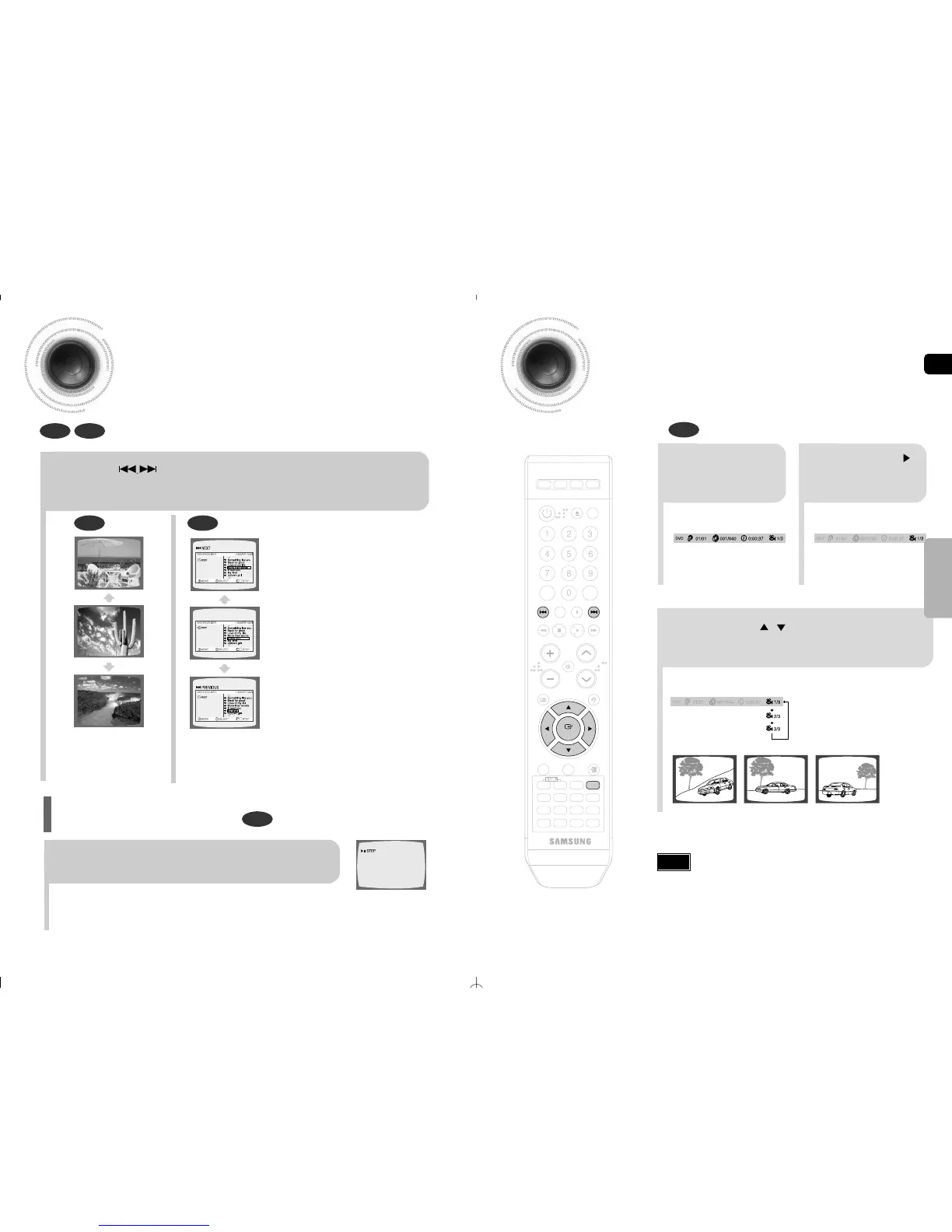
Angle Function
This function allows you to view the same scene in different angles.
DVD
2
Press Cursor
button to move to
ANGLE display.
1
Press INFO button.
•
Each time the button is pressed, the angle changes as follows:
3
Press Cursor , buttons or numeric buttons
to select the desired angle.
•
The Angle function works only with discs on which multiple angles
have been recorded.
Note
Skipping Scenes/Songs
DVD MP3
DVD MP3
Briefly press .
•
Each time the button is pressed briefly during playback, the previous or next chapter,
track, or directory (file) will be played.
•
But, you cannot skip chapters consecutively.
Step Function
DVD
Press STEP button.
•
The picture moves forward one frame each time the button is pressed
during playback.
•
No sound is heard during slow playback and step motion playback.



 To Next Page