ENG
61
62
MISCELLANEOUS
•
The various functions available are listed in turn on the
display.
•
All these functions are described in detail in this booklet.
For instructions on how to use them, refer to the
appropriate sections.
DEMO Function
You can view the various functions available on
your system.
To cancel this function, press
DEMO/DIMMER again.
DEMO Function / DIMMER
Function
•
Each time the button is press, the brightness changes
as follows: DIMMER ON(Dim) ➞ DIMMER
OFF(Bright).
DIMMER Function
You can adjust the brightness of the display on the main
unit so it won't interfere with your movie viewing.
Press DEMO/DIMMER button.
Press DEMO/DIMMER button.
DEMO/DIMMER
POWER
CD RIPPING
CANCEL
STEP
MUTE
VOLUME
MENU
AUDIO
EXIT
SUB
TITLE
SLEEP
INFO
REPEAT
SLOW
MO/ST
P.SOUND
DSP/EQ
TIMER/CLOCK
TUNER
MEMORY
SD/HD
P.BASS
ECHO
ENTER
RETURN
TUNING
PAUSE
STOP PLAY
DVD TUNER AUX USB
ZOOM
LOGO
REMAIN
TIMER
ON/OFF
MODE
EFFECT
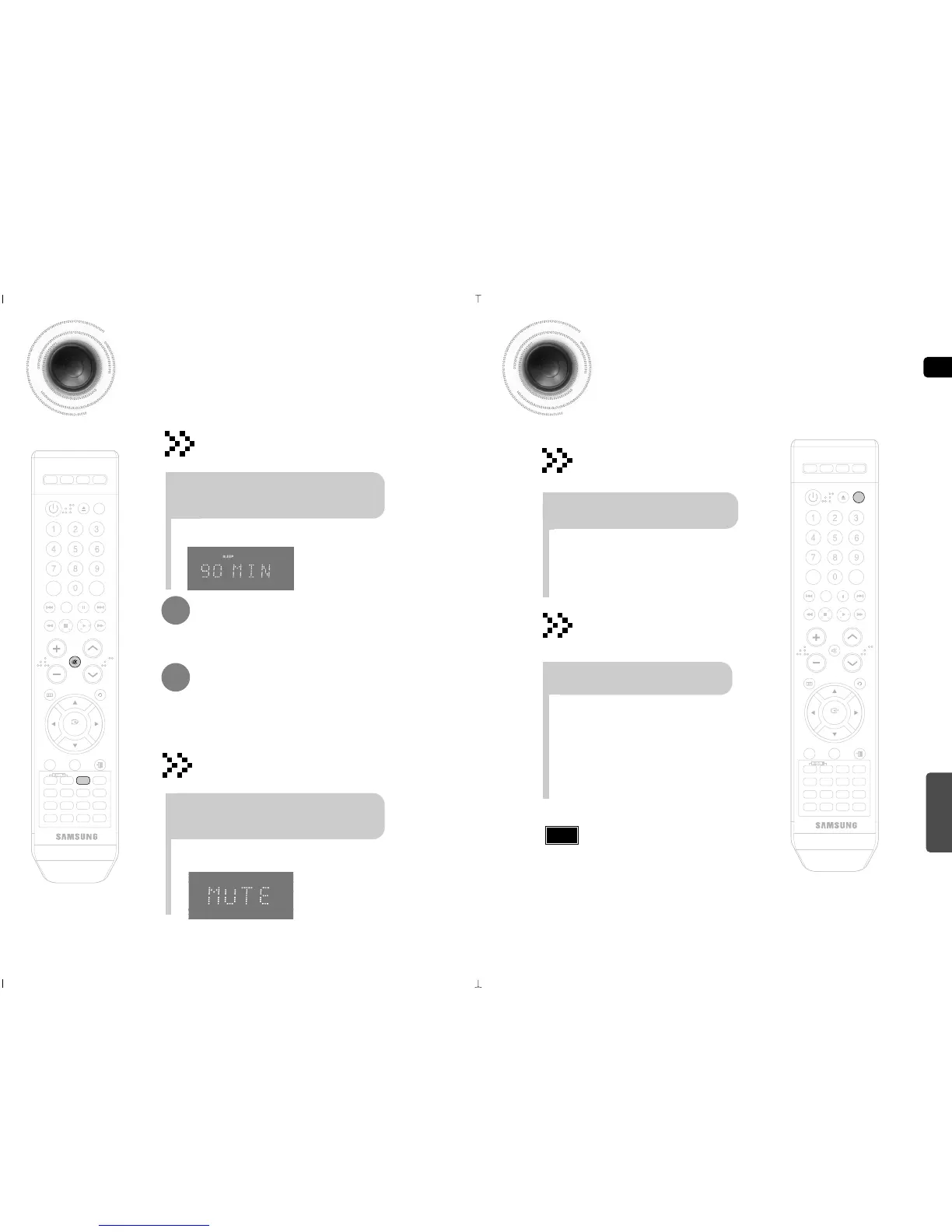
Sleep Timer Function /
Mute Function
•
The remaining time before the DVD player will shut itself off is displayed.
•
Pressing the button again changes the sleep time from what you have set
earlier.
To confirm the sleep timer setting, press SLEEP button.
•
Each time the button is pressed, the selection changes as follows:
90 MIN ➝ 60 MIN ➝ 45 MIN ➝ 30 MIN ➝ 15 MIN ➝ OFF.
Press SLEEP button.
Sleep Timer Function
You can set the time that the DVD player will shut itself off.
To cancel the sleep timer, press SLEEP button until
OFF appears on the display.
•
‘
MUTE ’ appears in the display.
•
To turn off mute, press the button again.
Mute Function
This is useful when answering a doorbell or telephone call.
Press MUTE button.
DEMO/DIMMER
POWER
CD RIPPING
CANCEL
STEP
MUTE
VOLUME
MENU
AUDIO
EXIT
SUB
TITLE
SLEEP
INFO
REPEAT
SLOW
MO/ST
P.SOUND
DSP/EQ
TIMER/CLOCK
TUNER
MEMORY
SD/HD
P.BASS
ECHO
ENTER
RETURN
TUNING
PAUSE
STOP PLAY
DVD TUNER AUX USB
ZOOM
LOGO
REMAIN
TIMER
ON/OFF
MODE
EFFECT
Press any buttons to cancel DEMO function.
When you turn off the main unit, DEMO function will be
auto start after 10 senconds. if you want to cancel this
DEMO function, press DEMO/DIMMER button again.
Note



 To Next Page