ENG
29
DVD
CD
•
For MP3 and JPEG discs, you cannot select Repeat Play
from the information display screen.
Note
2
Press Cursor button
to move to REPEAT
PLAYBACK display.
1
Press INFO button
twice .
4
Press ENTER
button.
3
Press Cursor
button to select the
desired Repeat
Playback mode.
DVD CD
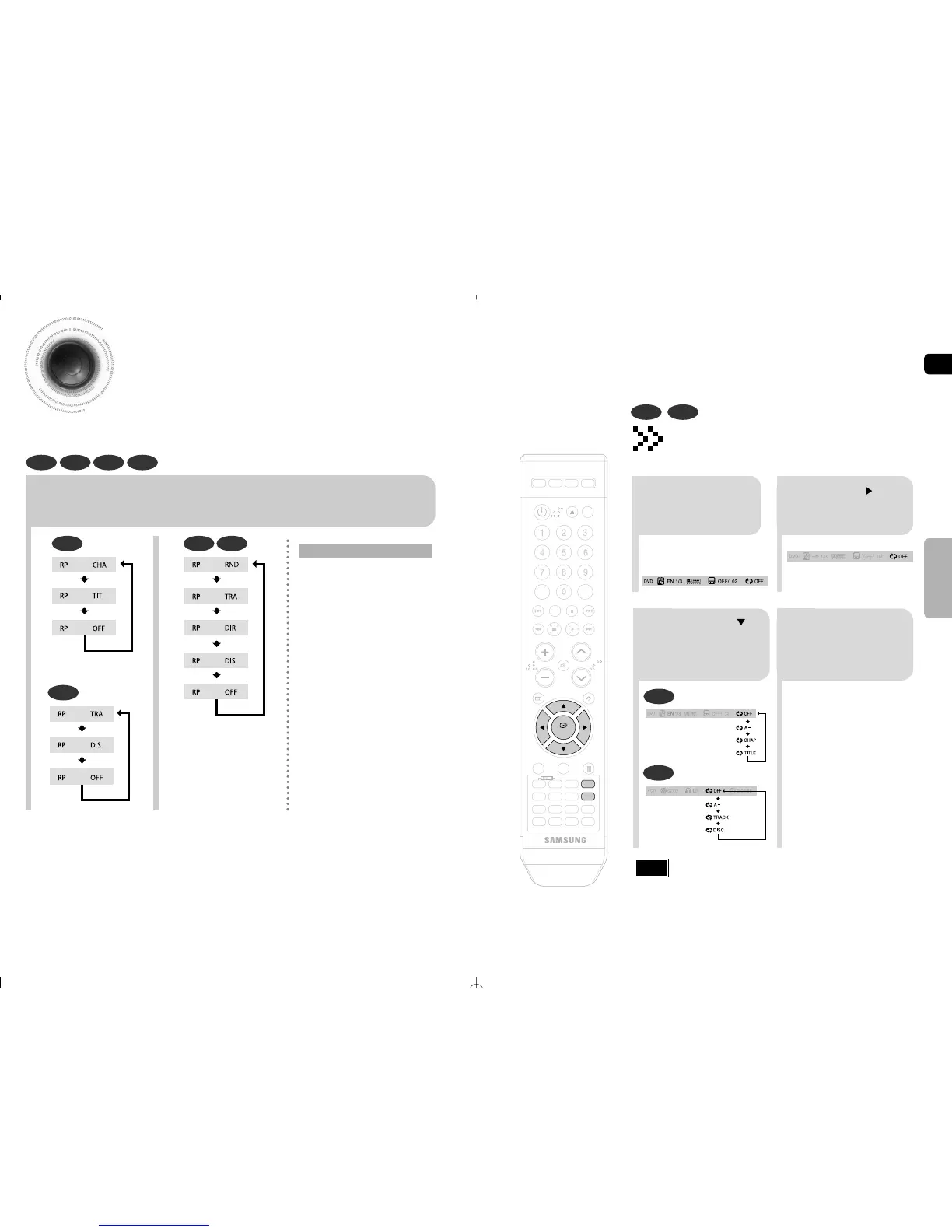
To Select a Repeat Playback Mode
in the Disc Information Screen
•
For a CD, press INFO button
once.
Repeat Playback
Repeat playback allows you to repeatedly play a chapter, title, track (song), or directory (MP3 file).
Press REPEAT button.
•
Each time the button is pressed during playback, the repeat playback mode changes as follows:
DVD
CD
MP3 JPEG
CHAPTER
Repeatedly plays the selected chapter.
TITLE
Repeatedly plays the selected title.
RANDOM
Plays tracks in random order.
(A track that has already been played
may be played again.)
TRACK
Repeatedly plays the selected track.
DIR
Repeatedly plays all tracks in the
selected folder.
DISC
Repeatedly plays the entire disc.
OFF
Cancels Repeat Playback.
DVD CD MP3 JPEG
Repeat Playback Options
30
OPERATION



 To Next Page