PRO LOGIC II
• MUSIC: When listening to music, you can experience sound effects as if you
are listening to the actual performance.
• CINEMA : Adds realism to the movie soundtrack.
• PRO LOGIC : You will experience a realistic multi-channel effect, as if using
five speakers, while using just the front left and right
speakers.
• MATRIX : You will hear 5.1 channel surround sound.
• STEREO : Select this to listen to sound from the front left and right speakers
and the subwoofer only.
• When selecting Pro Logic II mode, connect your external device to the
AUDIO INPUT jacks
(L and R) on the player. If you connect to only one of the inputs (L or R),
you cannot listen to surround sound.
CINEMA
PRO LOGIC
MATRIX
STEREO
MUSIC
➝ ➝ ➝
➝
Dolby Pro Logic II Mode
1
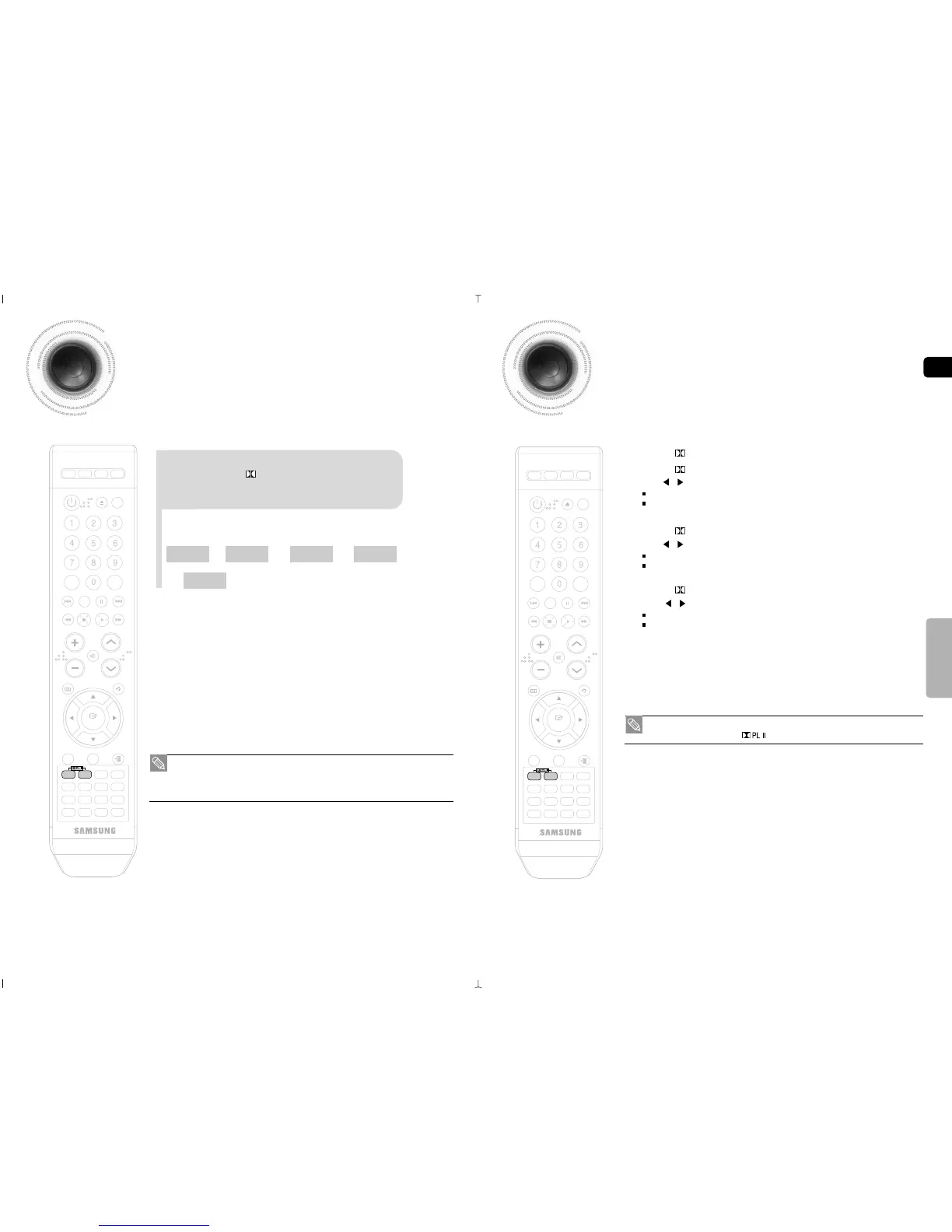
Press the PL II MODE button.
• When playing a DVD disc encoded with two or more channels, multi-channel mode will be
selected automatically and the (Dolby Pro Logic II) button does not work.
1 Press the PL II MODE button to select <MUSIC> mode.
2 Press the PL II EFFECT button to select <PANORAMA>, then press the
Cursor , buttons to select the desired effect setting.
You can select either 0 or 1.
This mode extends the front stereo image to include the surround speakers for an exciting
"wraparound" effect with side wall imaging.
3 Press the PL II EFFECT button to select <C-WIDTH>, then press the
Cursor , button to select the desired effect setting.
You can select between 0 and 7.
This sets the width of the center image. The higher the setting, the less sound comes from the
center speaker.
4 Press the PL II EFFECT button to select <DIMENSION>, then press the
Cursor , button to select the desired setting
You can select between 0 and 6.
Incrementally adjusts the sound field (DSP) from the front or rear.
This function works only in Dolby Pro Logic MUSIC mode.
Dolby Pro Logic II Effect



 To Next Page