ENG
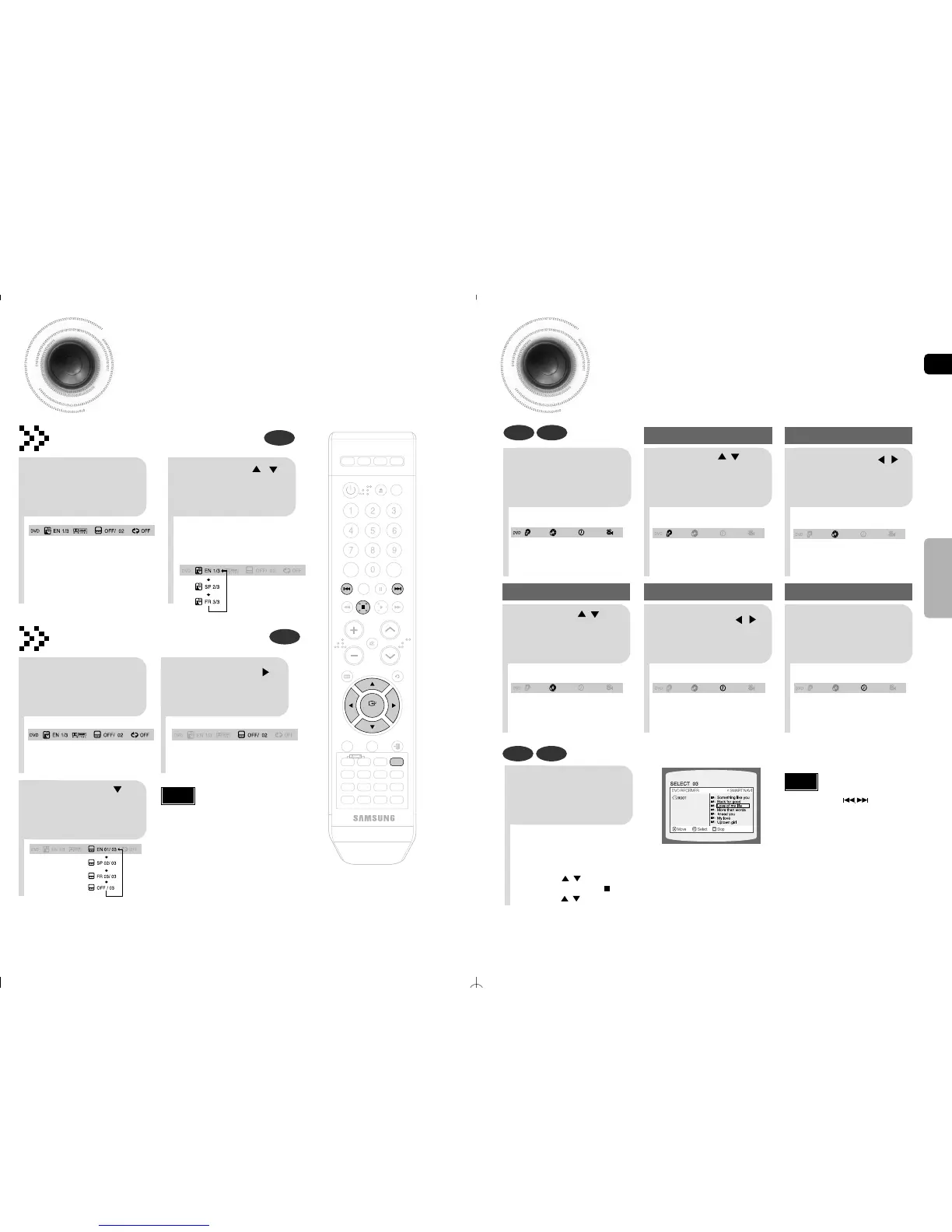
Moving Directly to a Scene/Song
•
The selected file will be played.
•
A MP3 or JPEG disc cannot be moved
from the disc information screen.
•
When playing a MP3 or JPEG disc, you
cannot use , to move a folder.
To move a folder, press (Stop) and
then press , .
DVD CD
MP3 JPEG
2
Press Cursor , buttons
or numeric buttons to select
the desired title/track and then
press ENTER button.
1
Press INFO button.
5
Press Cursor ,
buttons to move to
time display.
Moving to a Specific Time
Press the numeric
buttons.
•
You can press on the remote
control to move directly to the desired
title, chapter, or track.
•
Depending on the disc, you may not
be able to move to the selected title or
time.
Note
34
OPERATION
33
Selecting Audio/Subtitle Language
•
Depending on the number of languages on a
DVD disc, a different audio language (ENGLISH,
SPAIN,JAPANESE, etc.) is selected each time
the button is pressed.
2
Press Cursor ,
buttons or numeric
buttons to select the
desired audio language.
1
Press INFO button
twice.
•
To operate this function,you can also press
the AUDIO or SUBTITLE buttons on the
remote control.
•
Depending on the disc, the Subtitle and
Audio Language functions may not work.
Audio Language Selection Function
DVD
Subtitle Language Selection Function
DVD
Note
2
Press Cursor
button to move to
SUBTITLE display.
1
Press INFO button
twice.
3
Press Cursor
button or numeric
buttons to select
the desired subtitle.



 To Next Page