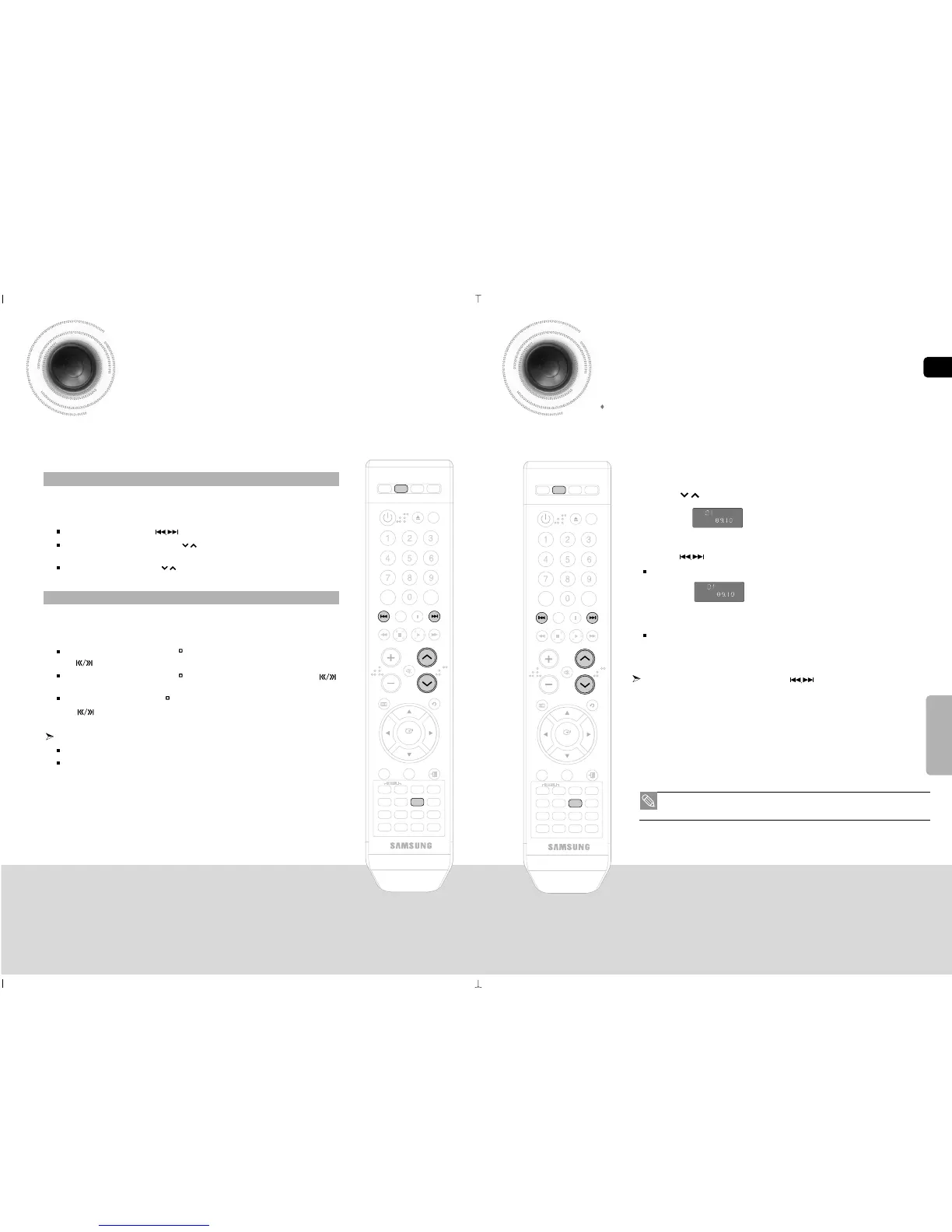
1 Press the TUNER button to select the FM band.
2 Tune in to the desired station.
Automatic Tuning 1 : When the button is pressed, a preset broadcast station is selected.
Automatic Tuning 2 : Press and hold the button to automatically search for active
broadcasting stations.
Manual Tuning : Briefly press the button to increase or decrease the frequency incrementally.
1 Press the FUNCTION button to select the FM band.
2 Select a broadcast station.
Automatic Tuning 1 : Press the STOP ( ) button to select <PRESET> and then press
the button to select the preset station.
Automatic Tuning 2 : Press the STOP ( ) button to select <AUTO> and then press the
button to automatically search the band.
Manual Tuning : Press the STOP ( ) button to select <MANUAL> and then press
the button to tune in to a lower or higher frequency.
Press the MO/ST button to listen in Mono/Stereo.
Each time the button is pressed, the sound switches between <STEREO> and <MONO>.
In a poor reception area, select MONO for a clear, interference-free broadcast.
Remote Control
Main Unit
• This unit does not receive AM broadcasts.
Example : Presetting FM 89.10 in the memory
1 Press the TUNER button to select the FM band.
2 Press the button to select <89.10>.
3 Press the TUNER MEMORY button.
4 Press the button to select preset number.
You can select between 1 and 15 presets.
5 Press the TUNER MEMORY button again.
The station is stored in memory.
6 To preset another station, repeat steps 2 to 5.
To tune in to a preset station, press the button on the remote
control to select a channel.



 To Next Page