ENG
31
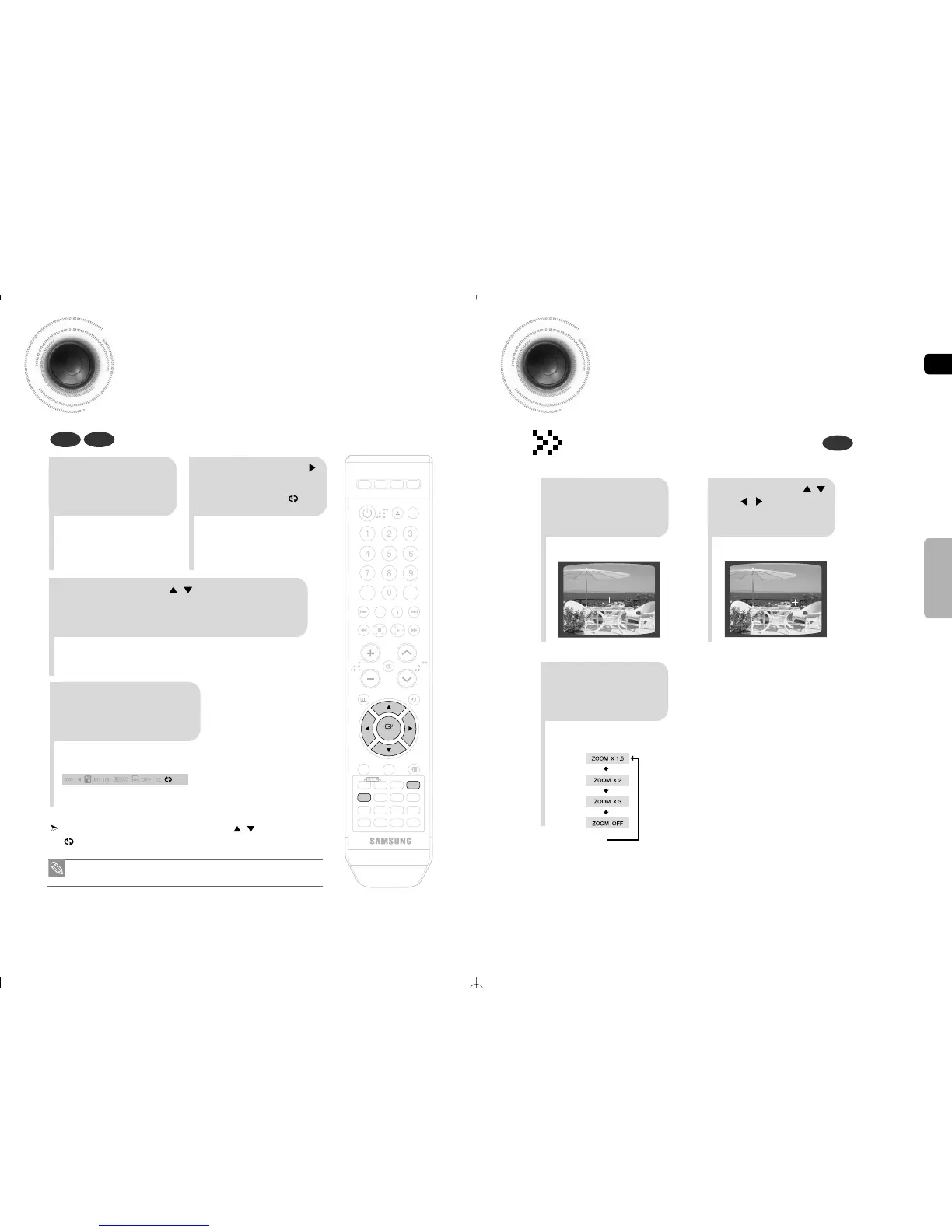
Zoom Function
This function allows you to enlarge a particular area of the displayed image.
Zoom (Screen Enlarge) Function
DVD
2
Press Cursor , ,
, buttons to
move to the area
you want to enlarge.
1
Press ZOOM
button.
•
Each time the button is pressed, the
zoom level changes as follows:
3
Press ENTER
button.
SELECT ZOOM POSITION
A↔B Repeat Playback
32
OPERATION
DEMO/DIMMER
POWER
CD RIPPING
CANCEL
STEP
MUTE
VOLUME
MENU
AUDIO
EXIT
SUB
TITLE
SLEEP
INFO
REPEAT
SLOW
MO/ST
P.SOUND
DSP/EQ
TIMER/CLOCK
TUNER
MEMORY
SD/HD
P.BASS
ECHO
ENTER
RETURN
TUNING
PAUSE
STOP PLAY
DVD TUNER AUX USB
ZOOM
LOGO
REMAIN
TIMER
ON/OFF
MODE
EFFECT
DVD CD
• The A-B Repeat function does not operate with DivX, MP3 or JPEG discs.
• The Zoom function does not operate with DivX discs.
To return to normal playback, press the Cursor , button to select
OFF.
REPEAT: A-B
2
Press the Cursor
button to move
to the REPEAT
PLAYBACK ( )
display.
1
Press INFO button
twice.
When the ENTER button is pressed, the selected position will be stored
in memory.
3
Press the Cursor , button to select
<A-> and then press the ENTER button at
the beginning of the desired segment.
4
Press the ENTER
button at the end of
the desired segment.
The specified segment will be played
repeatedly.



 To Next Page