English 13
Microwave oven use
Convection
The convection mode enables you to cook food in the same way as in a traditional microwave
• Always use oven gloves when touching the recipients in the microwave oven, as they will
• Moisture can be caused on the door while using convection when the gap of temperature
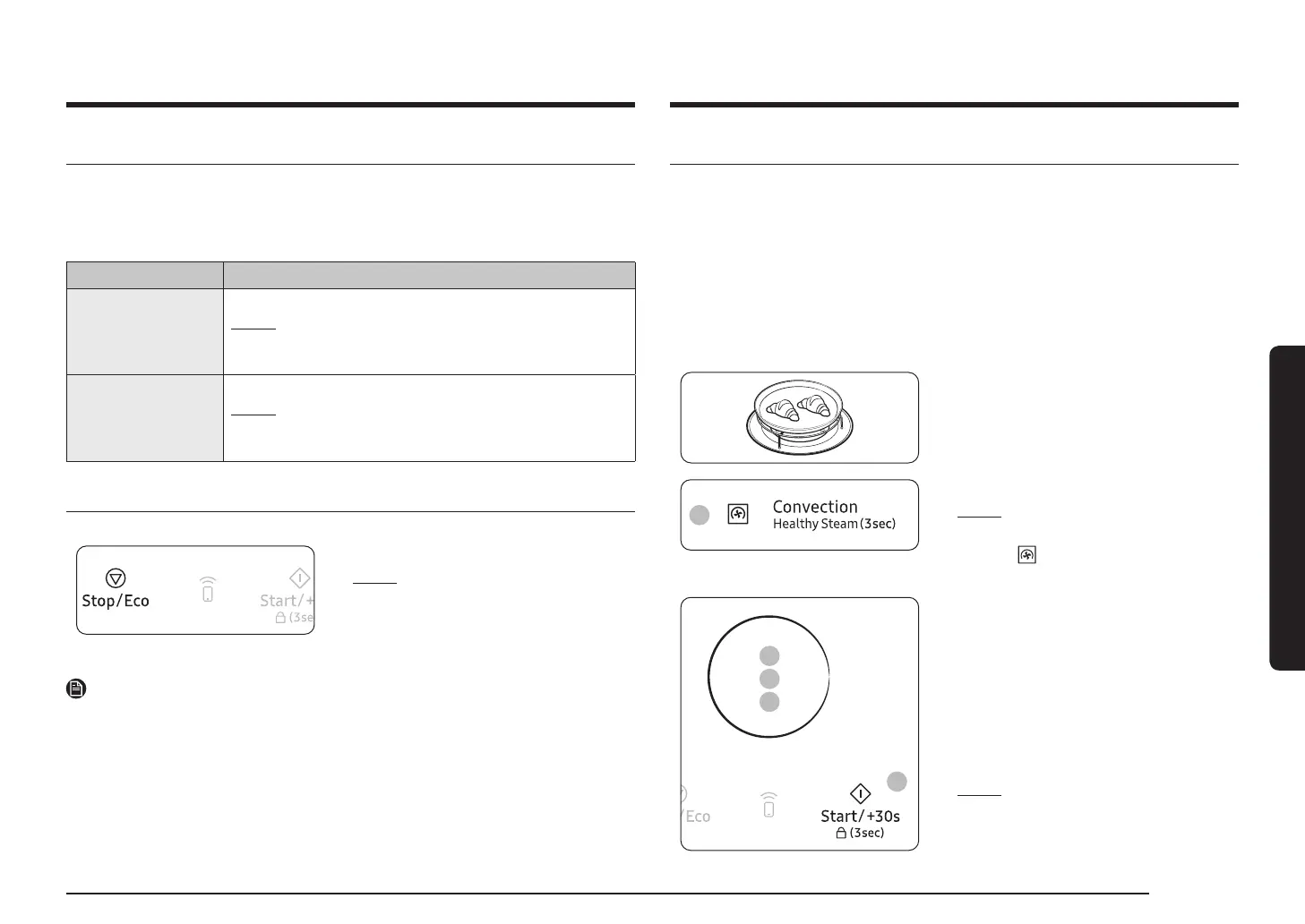
1. Place the recipient on the Low rack or Low
rack + Crusty plate
2
2. Press the Convection
Result: The following indications are
displayed:
(Convection mode)
180 °C (Temperature)
3
4
5
6
3. Set the temperature by turning the Multi
Function Selector Dial
(Temperature : 40 - 200 °C, 5 °C interval)
4. Press the Multi Function Selector Dial
5. Set the cooking time by turning the Multi
Function Selector Dial
(If you want to preheat the microwave oven,
select " : 0")
6. Press the Start/+30s
Result:
3) The end reminder signal will beep 3 times
Stopping the cooking
You can stop cooking at any time so that you can:
• Check the food
• Turn the food over or stir it
• Leave it to stand
To stop the cooking... Then...
Temporarily
Temporarily : Open the door or press the Stop/Eco
Result:
To resume cooking, close the door again and press the Start/+30s
Completely
Completely : Press the Stop/Eco
Result:
If you wish to cancel the cooking settings, press the Stop/Eco
Setting the energy save mode
• Press the Stop/Eco
Result:
• To remove energy save mode, open the door
or press the Stop/Eco button and then display
NOTE
Auto energy saving function
If you do not select any function when appliance is in the middle of setting or operating with




 To Next Page