English 23
Microwave oven use
Setting
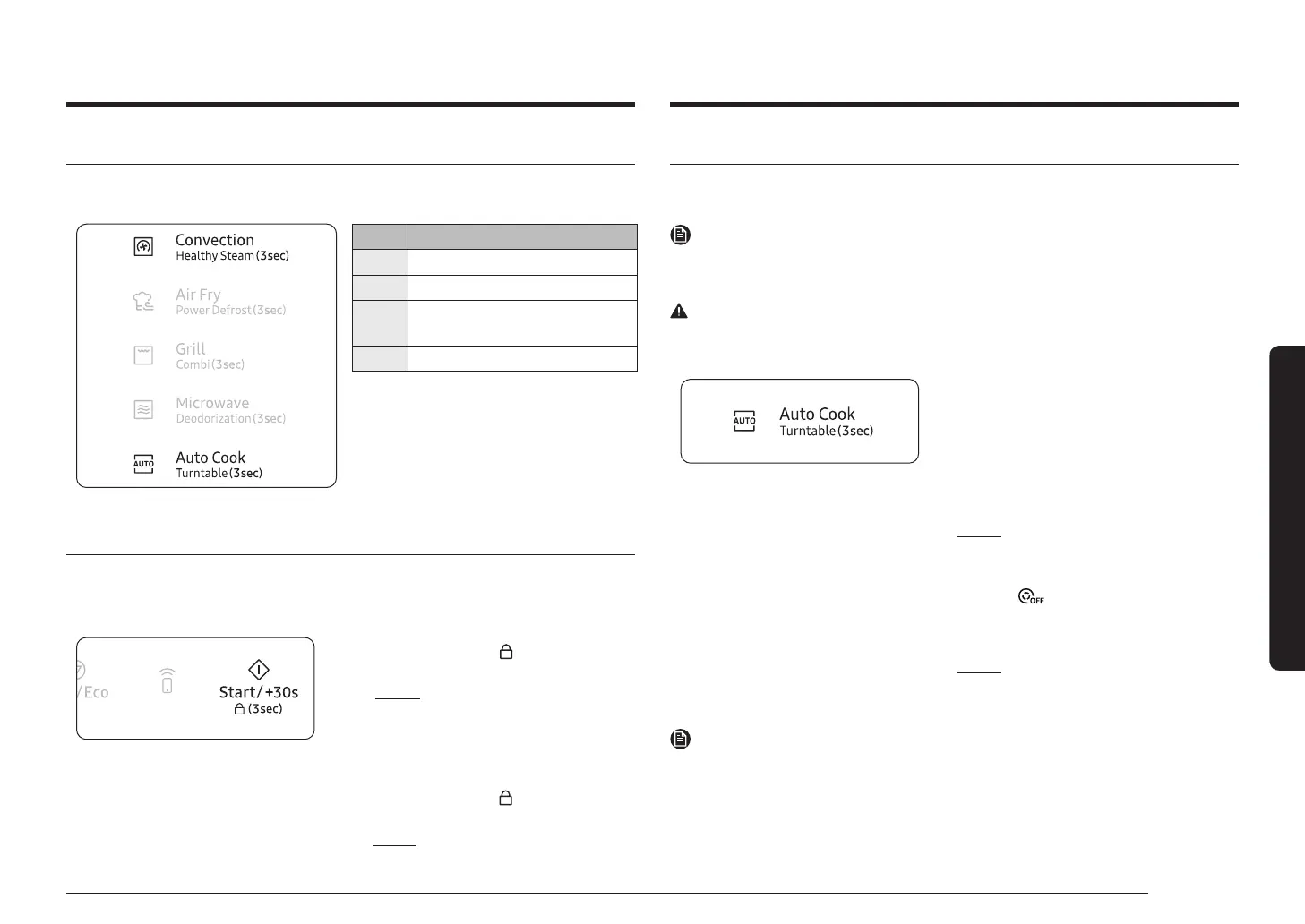
You can set up your microwave oven by pressing the Convection button and the Auto Cook
Display Function
SE-1
SE-2
SE-3
You can select time format 12 hr
SE-4
Using the Child Lock features
microwave oven to be "locked" so that children or anyone unfamiliar with it cannot operate it
1. Press the Child Lock
button for
Result:
• The microwave oven is locked (no
•
2. To unlock the microwave oven,
press the Child Lock
button for
Result: The microwave oven can be used
Using the Turntable On/Off features
The Turntable
NOTE
WARNING
Reason
1. Press the Turntable button for 3 seconds
during setting Microwave, Grill, Convection,
• It is not available with pre-programmed
function or before press the Microwave,
Grill, Convection, Preheat and Combi
Result: Turntable On/Off symbol appears
on the display, the turntable will not
(Turntable Off mode)
2. To switch the turntable rotating back on, press
the Turntable
Result: Turntable On/Off symbol
disappears on the display, the
NOTE
This Turntable




 To Next Page