15
English
Setting Options
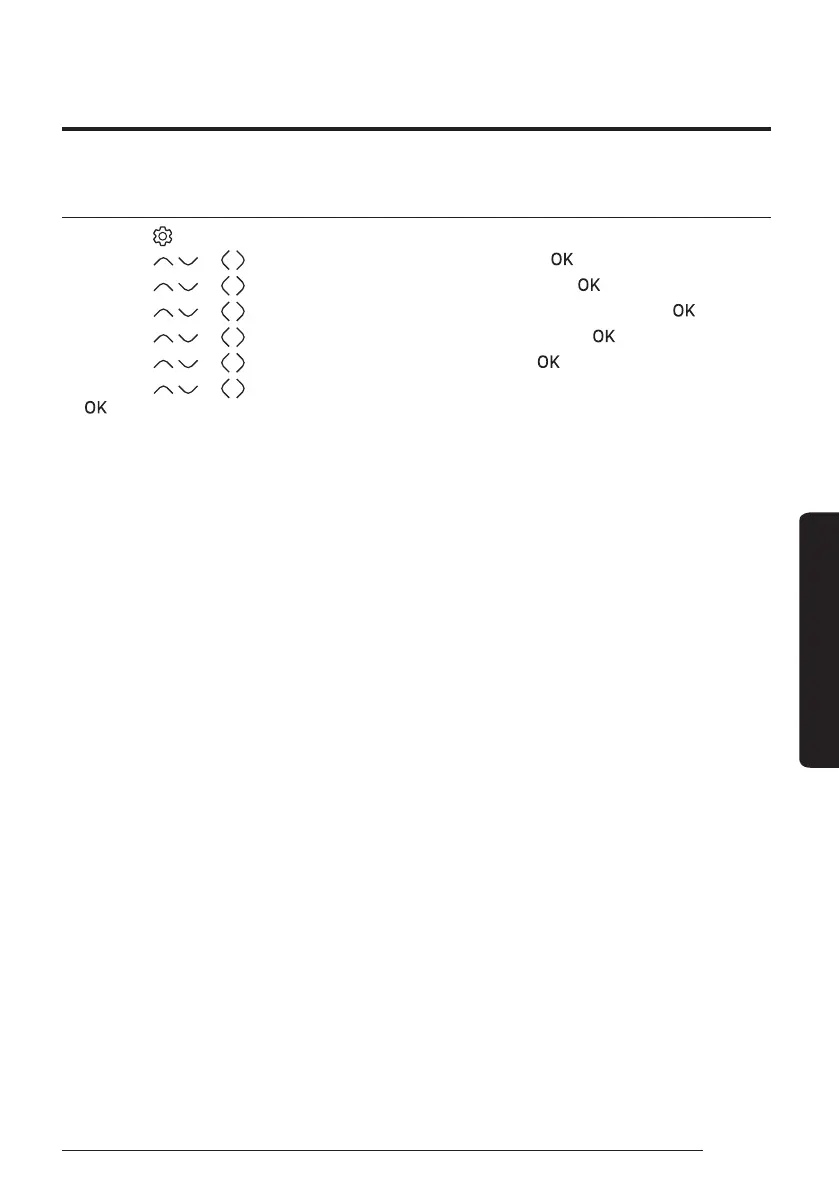
Current Time Setting (Example)
1 Press the button.
2 Press the
or button to select Option, and then press the button.
3 Press the
or button to select User mode, and then press the button.
4 Press the
or button to select Wired remote controller, and then press the button.
5 Press the
or button to select Current time, and then press the button.
6 Press the
or button to select Time, and then press the button.
7 Press the
or button to select Time format, Hour, Minute, and AM/PM, and then press the
button.




 To Next Page