<<
63
>>
PictBridge
Some menu options are not supported on all printers.
If not supported, the menus are not displayed in the LCD.
If the setting values are not changed in the automatic / manual setting, the
setting values are automatically kept.
■ Printing images (Custom mode)
Images will be printed with changed printer setting.
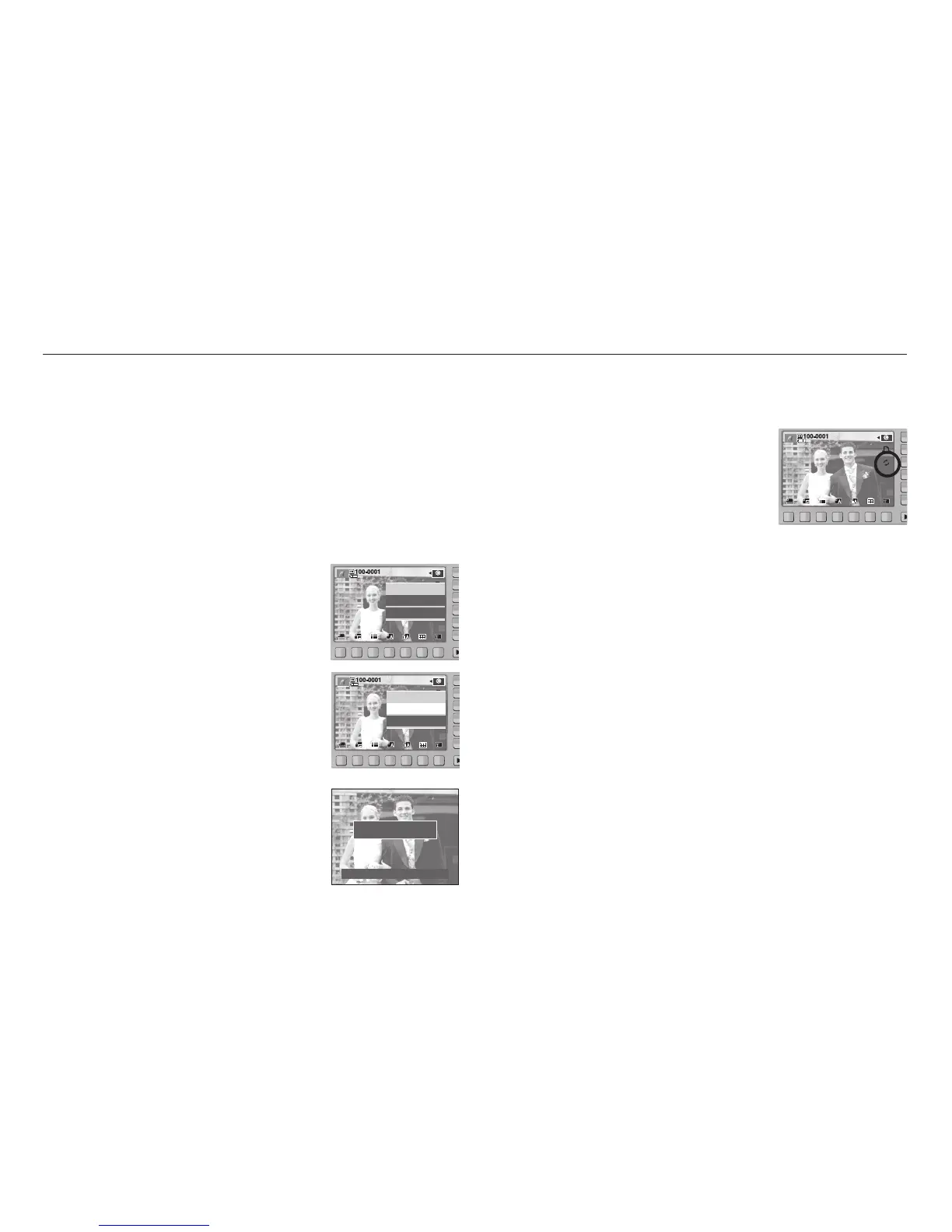
1. In custom printing mode, press the Print menu
button.
You can use Print menu button after select
picture.
2. Select the [Yes] menu.
3. The screen shown on the right will appear and
the picture will be printed. Press the BACK button
while printing to cancel printing.
Now Printing
0001/0001
Cancel : BACK
■ Reset
Initialises user-changed configurations.
- In custom printing mode, press the Reset menu
button.
Print?
Yes
No
Print?
Yes
No



 To Next Page