<<
64
>>
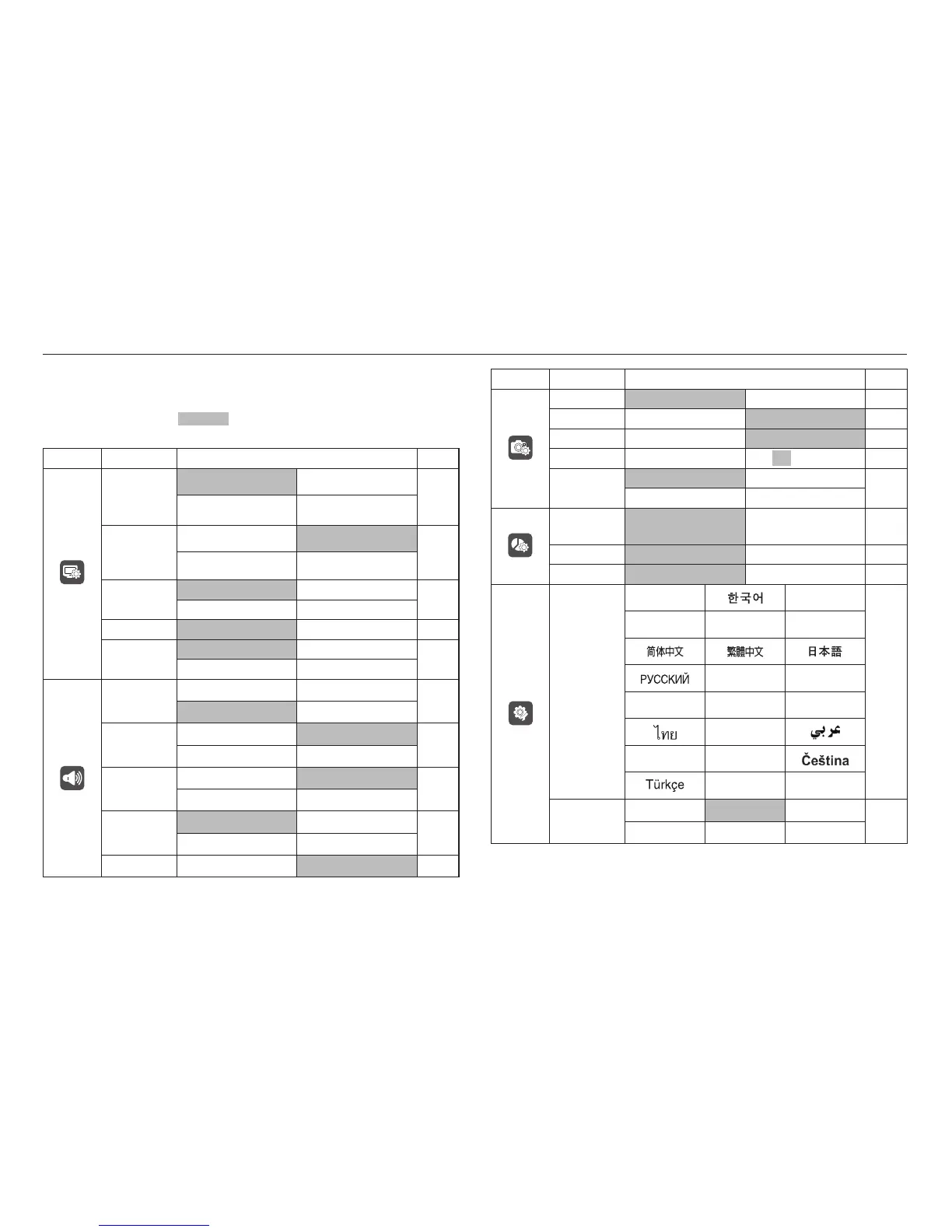
Setup menu
In this mode, you can set up basic settings. You can use the setup menu in
all camera modes, except Voice Recording mode.
■ The items indicated by are default settings.
Menu tab Main menu Sub menu Page
OSD set
(Recording
mode)
Full Basic
p.66
Function Description Hide
OSD set
(Playback
mode)
Full Basic
p.66
Hide -
LCD Bright
Auto Dark
p.66
Normal Bright
LCD Save Off On p.66
Start Image
Off LOGO
p.67
User Image -
Sound
Volume
Off Low
p.67
Medium High
Beep Sound
Off Sound 1
p.67
Sound 2 Sound 3
Shutter
Sound
Off Sound 1
p.68
Sound 2 Sound 3
Start Sound
Off Sound 1
p.68
Sound 2 Sound 3
AF Sound Off On p.68
Menu tab Main menu Sub menu Page
File Series Reset p.68
Self Portrait Off On p.69
AF Lamp Off On p.69
Quick View Off 0.5, 1, 3 sec p.69
Imprint
Off Date
p.70
Date & Time -
Copy to
Card
No Yes p.70
Delete All No Yes p.71
Format No Yes p.71
Language
ENGLISH
FRANÇAIS
p.72
DEUTSCH
ESPAÑOL
ITALIANO
PORTUGUÊS
DUTCH
DANSK SVENSKA SUOMI
BAHASA
POLSKI Magyar
- -
Date&Time
2008/01/01 yy/mm/dd mm/dd/yy
p.72
dd/mm/yy Off -



 To Next Page