ENGLISH
4444
The Camcorder : Functions
Using EASYQ Mode
✤
EASYQ mode only works in REC mode.
✤
EASYQ allows the user to easily make quality recordings.
1. Turn on your camcorder and set the Power Switch to REC mode.
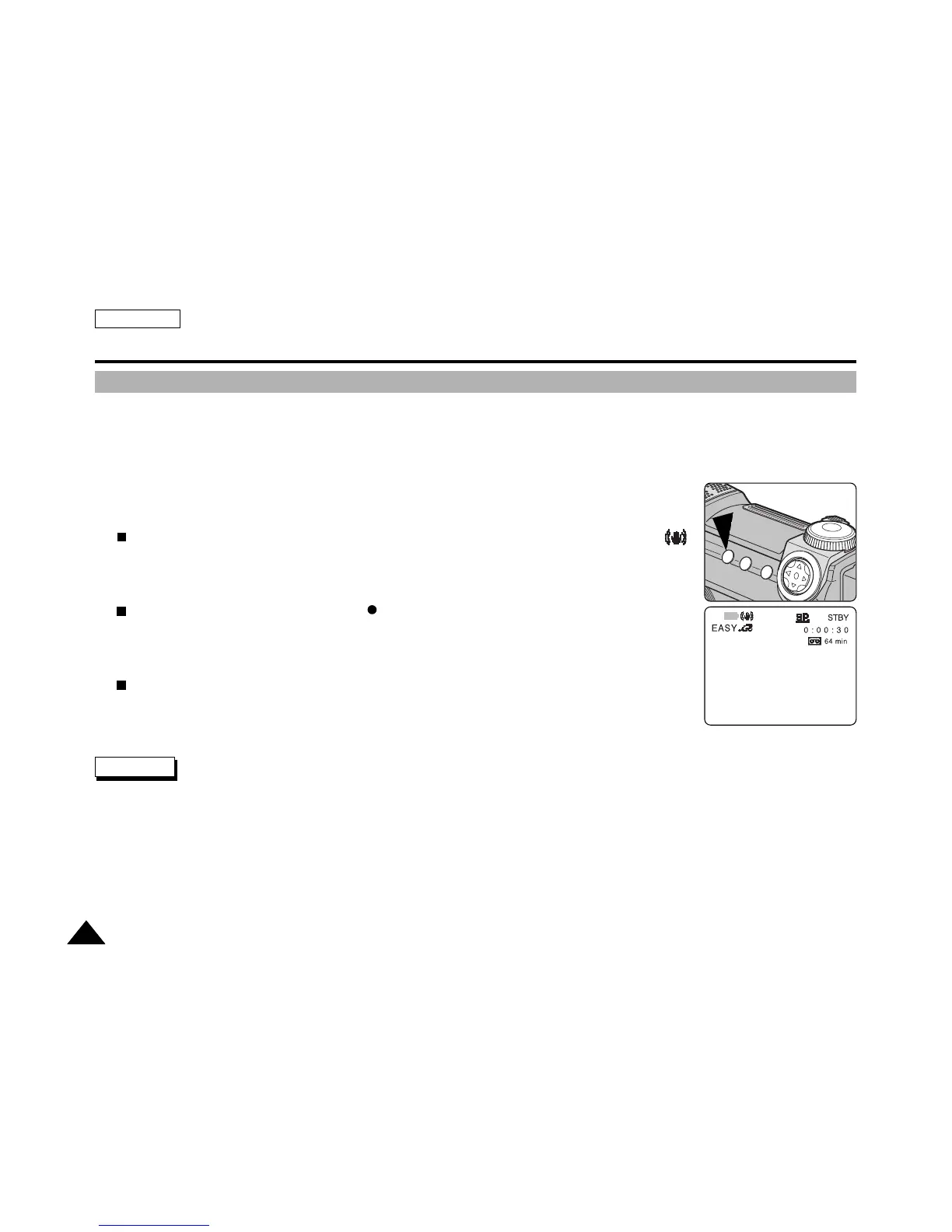
2. Press the EASYQ button to enter EASYQ mode.
EASYQ will appear on the LCD along with Battery Level Display, STBY, Counter, and DIS .
3. Press the START/STOP or PHOTO button to start recording.
Recording will begin when the red REC indicator appears on the screen.
4. Press the EASYQ button again to turn EASYQ mode Off.
The camcorder will return to the previous settings.
✤
EASYQ mode will not turn off during a recording.
✤
EASYQ mode setting is reset when the battery pack is removed from the camcorder.
✤
In EASYQ mode, certain functions including MENU, BLC, MF/AF are not available. If you want to take advantage of such
functions, turn EASYQ mode Off.
Notes



 To Next Page