ENGLISH
4949
The Camcorder : Basic Recording
Making Your First Recording
Before you begin!
- Insert the Lithium Ion Battery (refer to page 28)
- Charge your battery (refer to page 28)
- Set the Clock (refer to page 38)
- Insert a cassette tape (refer to page 47)
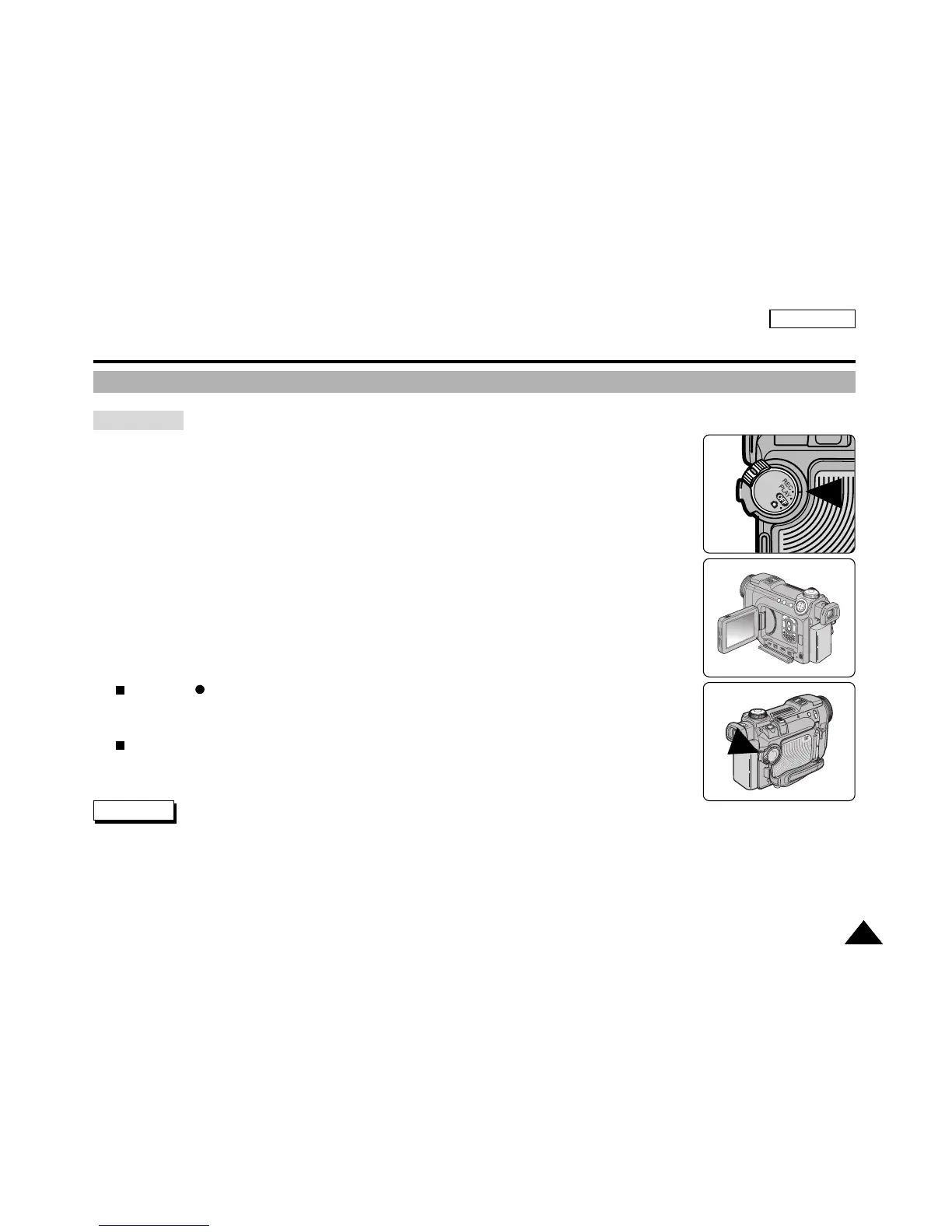
1. Turn on your camcorder and set the Power Switch to REC mode.
2. Open the LCD or viewfinder and frame your subject on the screen.
3. To Start recording, press the START/STOP button.
The REC indicator is displayed on LCD.
4. To Stop recording, press the START/STOP button again.
The STBY indicator is displayed on LCD.
✤
If the Write Protection Tab on the cassette tape is set to protect, the PROTECTION! message appears on the screen.
Release the Write Protection Tab to record.
✤
Detach the Battery Pack when you are finished recording to prevent unnecessary battery power consumption.
Notes



 To Next Page